snow removal app · AllBetter HomeFix
Find snow removal services near me.Get on with your day.
A buried driveway shouldn’t bury your plans. Compare local snow removal bids and choose who helps clear your way out.

Start in your browser.
Next, create your HomeFix account and tell local pros what needs doing.
Get your free snow removal bids.
Get My 3 Free BidsThe snow arrived. The rest of your day didn’t stop.
Post the areas that need clearing and agree on timing directly with the pro you choose.
Something else on your list?PlumbingHeating & coolingElectricalHandymanHouse cleaningLandscapingMovers
The AllBetter HomeFix experience
Your job. In your hands.
See your options before you book. Keep the conversation with the job. Review the finished work before approving payment.
Inside AllBetter HomeFix
Start with what needs doing.
Describe the work and add photos. Give local pros the same details so their bids are easier to compare.
Step 1 of 3
Get HomeFix
Inside AllBetter HomeFix
There’s a person behind every price.
Read the bid, open the pro’s profile and ask questions in the app. Choose who feels right for your home.
Step 2 of 3
Get HomeFix
Inside AllBetter HomeFix
See the work before you release payment.
Your job is funded in escrow before work starts. Review the completion photos and invoice, then approve the invoice to release payment.
Step 3 of 3
Get HomeFix
Existing HomeFix app screens. Separate sample jobs are shown; these are not one customer’s repair or a promise of these prices.
The person behind AllBetter
Before he built it,
he did the work.
Moving jobs. Cleaning jobs. Small repairs. Before building AllBetter, Tarik Khribech did that work in Chicago.
Because inviting someone into your home should begin with a clear choice. AllBetter brings the job, the bids and the conversation together.
Tarik Khribech · Founder & CEO
Read our story





Homeowners on HomeFix, in their own words.
See what homeowners near you say once the job is done: the leak fixed, the house clean, the weekend back. This is what handled feels like.
I am always looking for ways to save time and make my life easier. That's why I was thrilled to discover the AllBetter app. This unique app allows me to set my own price for the household chores I need done, and qualified service providers can accept the job. This has saved me so much time and hassle, and the app is easy to use and affordable. I highly recommend it to anyone looking for a better way to get household chores done.★★★★★
Shaanan Nusinow · Google Play
I was worried about my household cleaning due to busy schedule at work, finally found your app. It's so hard to find all services under one shelter, but you did it. Thanks a lot, I'm very happy with your services.★★★★★
A Google user · Google Play
I love how easy to use and how quick I can get help... it's like uber for home.★★★★★
Bereta Kasia · App Store
Read every HomeFix review on the App Store and on Google Play.
What needs clearing?
Indicative national ranges from our snow removal cost guides. Your bids depend on location, driveway size and the storm — post the job to see real prices side by side.


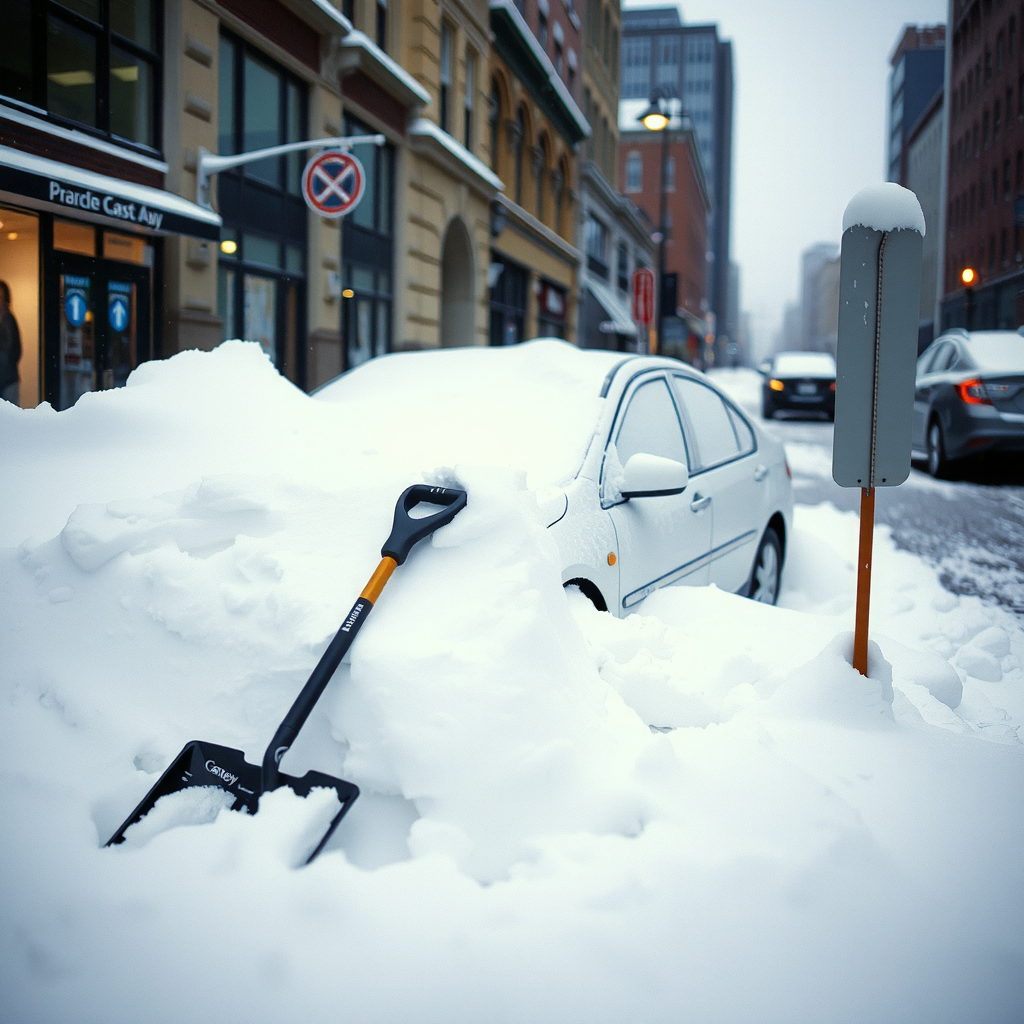
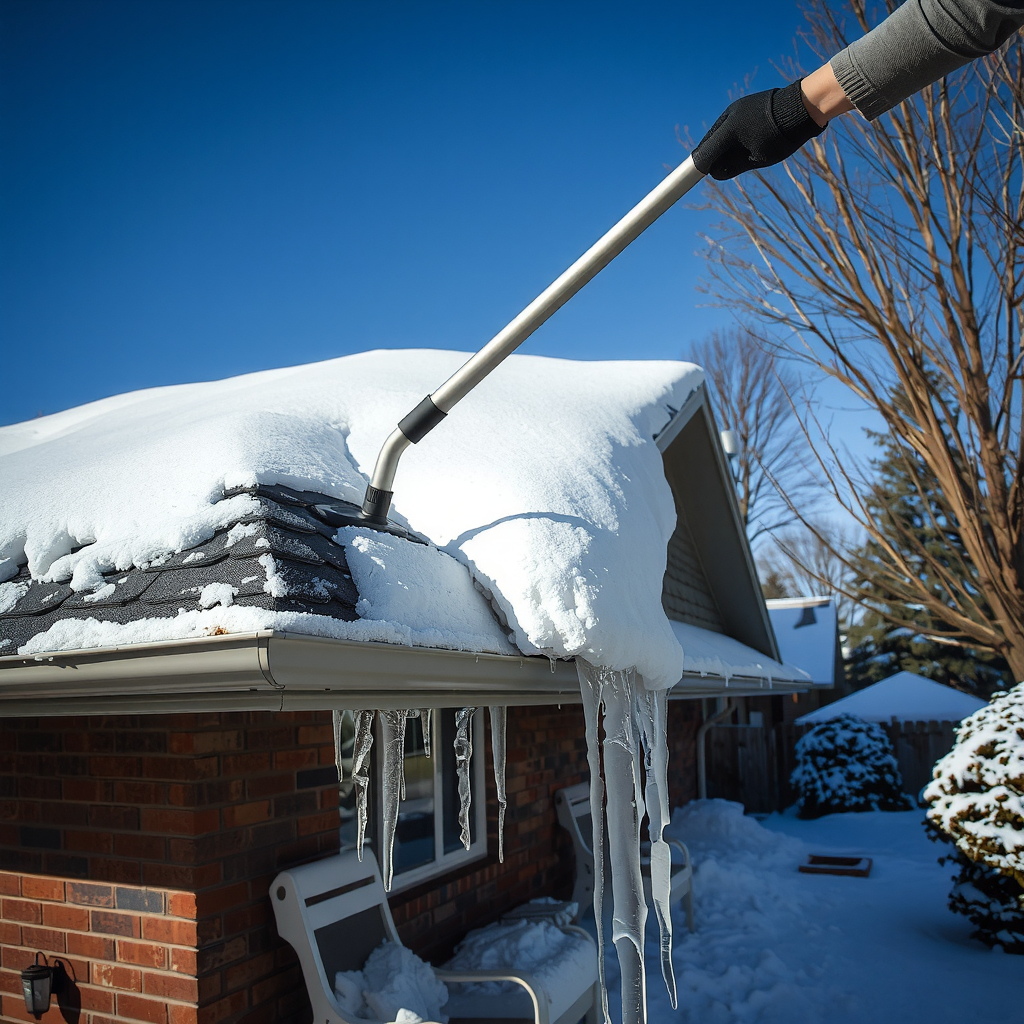
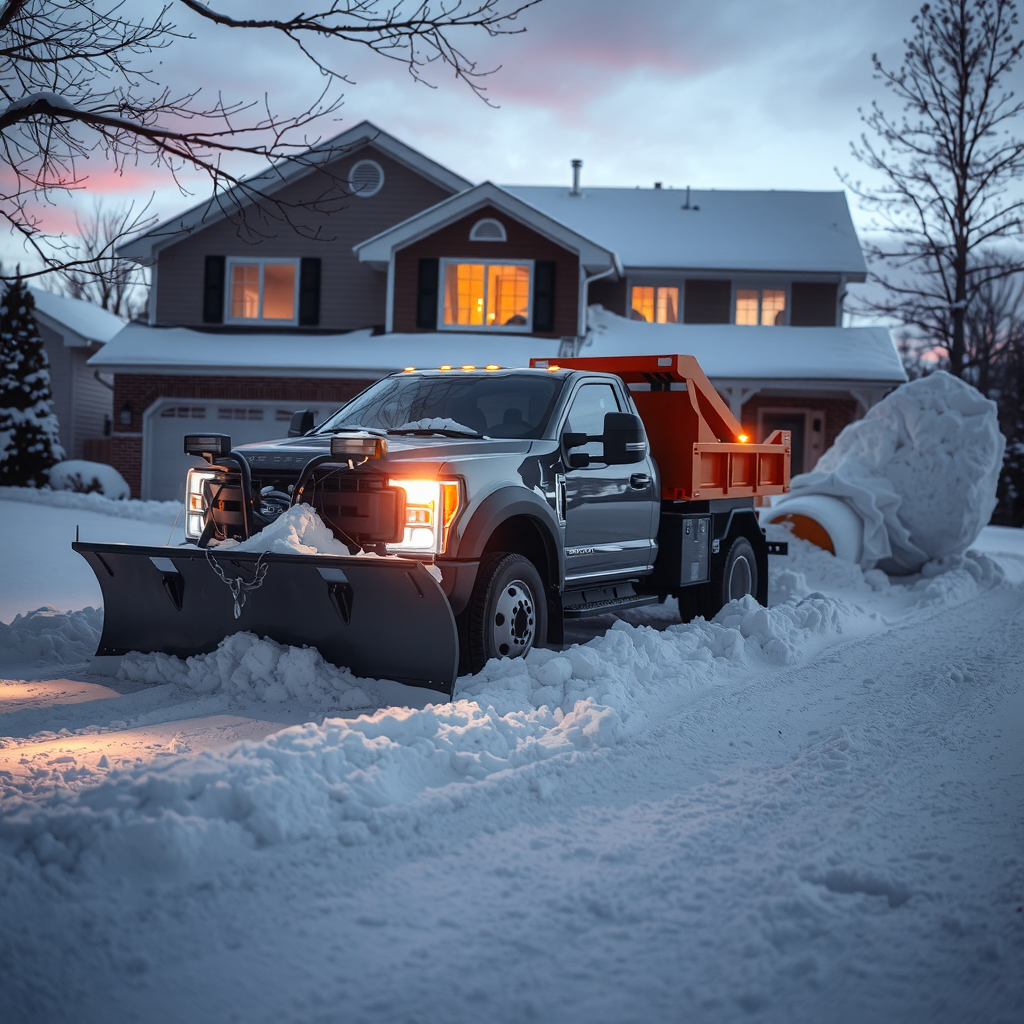
Ranges: AllBetter cost guides, national, indicative, checked September 2026. A range is not a quote; the bids you receive price your posted job.
How to book snow removal near me: post, compare bids, choose.
Post your job free. When you book, your payment is held in escrow before work starts. You approve its release after the work is finished.
Watch HomeFix in action
Post a job, compare the bids, approve the finished work — 47 seconds, start to finish.
Post the driveway, with a photo.
Driveway, walk, steps, where the snow can go — add a photo and your ZIP. Crews near you are notified. They see the job and the photo, not your phone number.
Choose your pro and pay into escrow.
Compare bids and ask questions in the app. When you book, your payment is held securely in escrow before work starts. The pro receives it after you approve the finished work. Posting and comparing bids is free — a small service fee applies when you book, covering escrow payment protection. You see the total before you confirm.
Review the work and approve payment release.
Check the finished work and the pro’s completion photos. Then approve the invoice to release payment to the pro. Your bid covers the job you described. If the storm dropped more than expected, agree on the added work and price in chat. The changes appear on the final invoice, which you approve before payment is released.
Ask your snow crew about the trigger, the timing and the salt in chat.
Every bid comes with an in-app chat. Five things worth settling there before you book.
What ID-verified means: Stripe Identity — every pro uploads a government ID and personal details, verified before a pro can be paid. AllBetter verifies identity, not trade licenses or insurance; ask about those in chat.
- Is this per plow, per storm, or for the season?
- What depth do you plow at, and how soon after the snow stops?
- Does the price include the walkway, the steps and salt?
- Where do you pile the snow — can you keep the mailbox and the hydrant clear?
- If the storm drops more than expected, how will we agree the added work?
Snow removal booking questions, answered.
The questions people ask before their first storm on AllBetter.
What does it cost to book snow removal near me on AllBetter?
How much does snow removal cost?
How fast can someone clear my snow?
When do I pay?
What if the crew doesn’t show up during a storm?
Who sees my phone number?
Create your HomeFix account to post your driveway.
Describe the driveway once and compare your bids. In top metros, the median first bid lands in about 10 minutes.


Posting and comparing bids is free — a small service fee applies when you book, covering escrow payment protection.
Start in your browser
Get your free snow removal bids.
Get My 3 Free BidsNeed more than snow removal?
The same ID-verified pros and the same escrow, whatever the job.