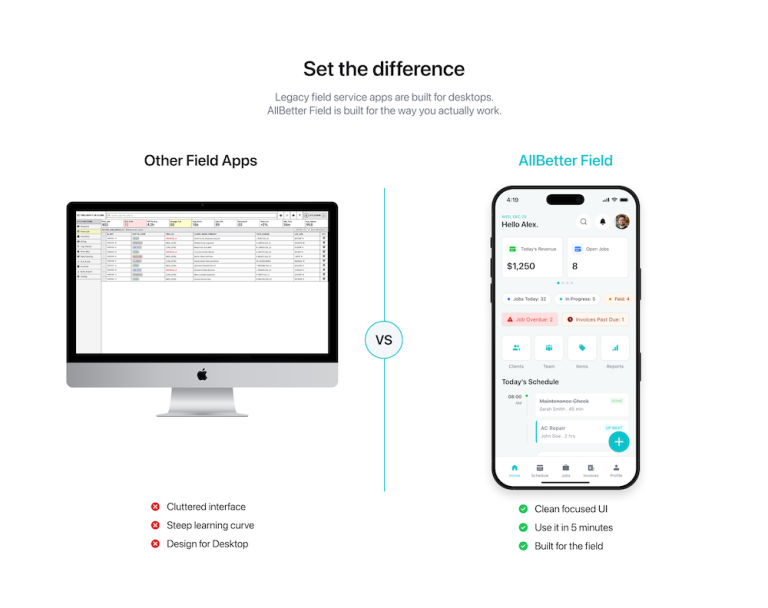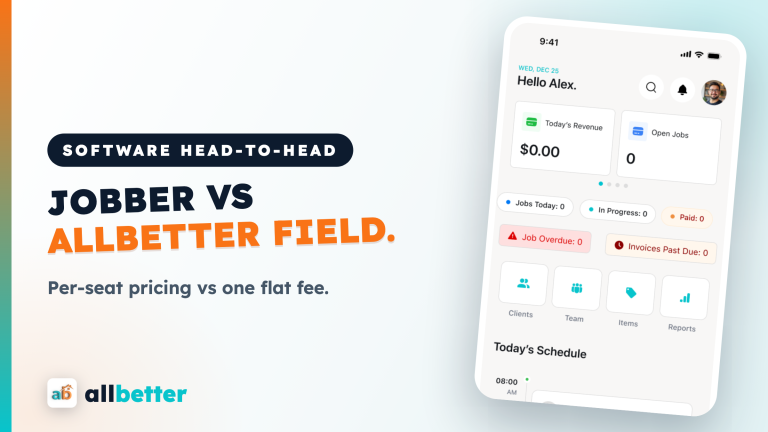

Run a home-service business? AllBetter Field handles scheduling, invoicing, and customer management in one app — flat monthly pricing, no commission on your jobs.
Run your cleaning business on one app.
Field handles scheduling, quotes, invoicing, and client communication — flat $29/month, no per-job fees.
Check your inbox for a confirmation email.
Managing a cleaning business with spreadsheets and text messages works until it doesn’t — and “until” usually arrives around client #15 when missed bookings, double-scheduling, and lost invoices start costing real money. The right tool stack costs $0–$50/month and replaces chaos with systems. Combine it with Escrow Shield payment protection and Stripe Identity verification for a business that runs like a franchise from day one.
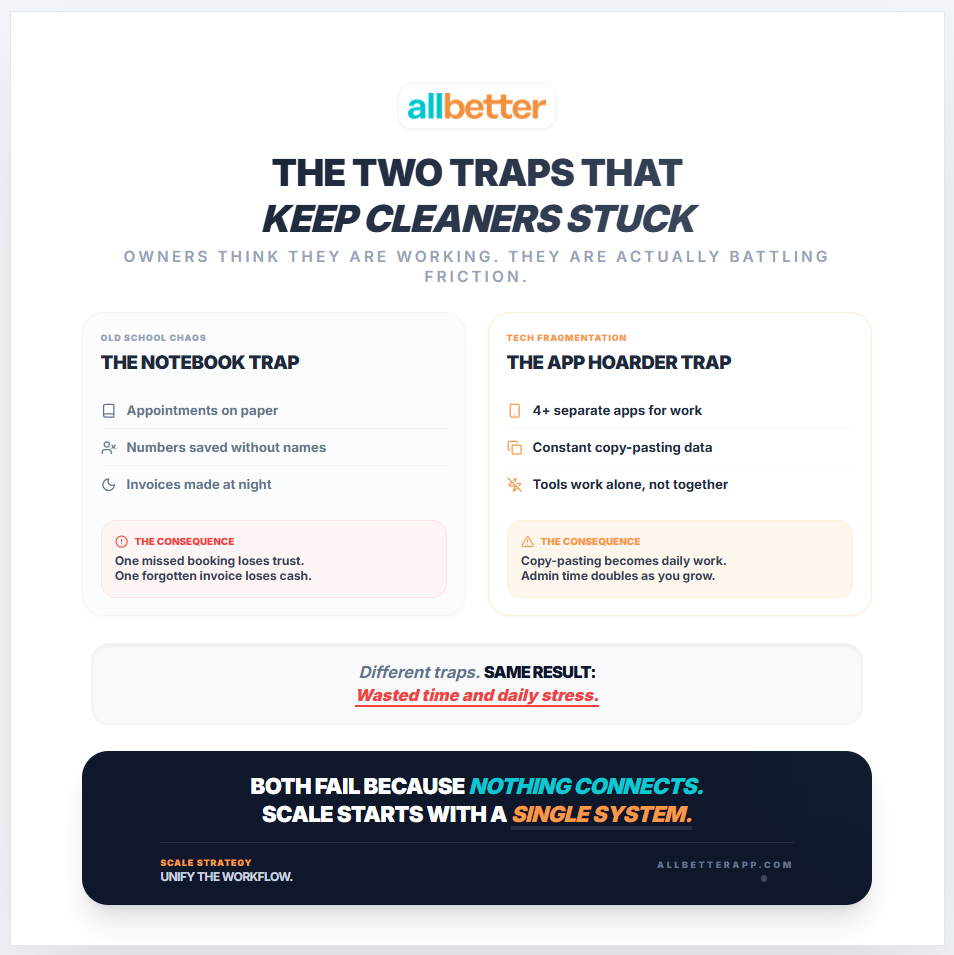
Most “cleaning business software” lists recommend 10–15 tools. Follow that advice and you end up paying $200/month in subscriptions — spending more time managing tools than managing clients. The operators who scale fastest start with exactly five free functions and upgrade only when a bottleneck appears.
The 5 Tools Every Cleaning Business Needs (And Nothing More)
Ready to ditch the paperwork? See how AllBetter Field keeps your jobs, invoices, and schedule in one place — built for crews, priced flat.
The cleaning business software market wants you to believe you need a $200/month platform with 47 features. You don’t. You need five tools — scheduling, client communication, invoicing, route optimization, and review collection — and most of them can be covered by a single affordable platform or a combination of free tools.
The businesses that overspend on software share a common pattern: they buy the enterprise solution before they have enterprise problems. A solo cleaner with 15 recurring clients doesn’t need fleet management, multi-location dispatching, or advanced business analytics. They need to not double-book Tuesday at 2pm and to get paid without chasing invoices on weekends.
Start with the cheapest tool that covers your current needs and upgrade only when specific friction points justify it. AllBetter Field at $29/month covers scheduling, invoicing, and client management for solo operators and small teams. Jobber at $69/month adds more features for growing businesses. ServiceTitan at $500+/month is for companies with multiple crews and complex operations. For the full comparison, see our cleaning software comparison. For pricing fundamentals, check our pricing guide. And to start building your client base, join AllBetter — a newer marketplace with a smaller network, but $0 lead fees and every payment protected by Escrow Shield.
Most “cleaning business software” lists recommend 10–15 tools. That is how you end up paying $200/month in subscriptions and spending more time managing tools than managing clients. You need exactly five functions:
| Function | Free Option | Paid Upgrade |
|---|---|---|
| Scheduling and booking | Google Calendar | Jobber ($35/mo) or Housecall Pro ($49/mo) |
| Client communication | Google Voice (free number) | Broadly ($50/mo) for automated texts |
| Invoicing and payments | Wave (free) or AllBetter (built-in) | QuickBooks ($15/mo) |
| Client acquisition | AllBetter ($0 lead fees) | Google Ads ($200+/mo) |
| Accounting and taxes | Wave (free) | QuickBooks Self-Employed ($15/mo) |
Launch stack cost: $0/month. Every function above has a free option that handles 20+ clients. Upgrade to paid tools only when the free version creates a bottleneck — usually around 30–40 active clients.
Scheduling: The Tool That Prevents Double-Bookings
A scheduling tool does one critical thing: it makes your availability visible and your commitments unbreakable. Without one, you’re managing appointments in your head or in a notebook — and the first time you double-book a Tuesday afternoon, you lose one client’s trust and possibly both.
The minimum viable scheduling tool syncs with your phone calendar, allows clients to see available time slots, and sends automatic confirmations. At the basic level, Google Calendar with a shared booking link (via Calendly or similar) costs $0 and handles 90% of scheduling needs. For a more integrated solution, AllBetter Field at $29/month combines scheduling with invoicing and client records in one platform — though it’s a newer tool with a smaller feature set than Jobber for complex multi-crew operations.
The scheduling mistake that costs cleaning businesses the most money isn’t double-booking — it’s route inefficiency. A client in the north suburbs at 9am, another downtown at 11am, and a third in the south suburbs at 1pm means you’re spending 2+ hours driving between jobs. That’s $80–$160 in unbilled time daily. Block your schedule geographically: north side mornings, south side afternoons. A simple color-coding system in any calendar app makes this automatic.
Your scheduling system must do three things:
- Show your real-time availability so clients (or you) never book conflicts
- Send automatic reminders 24 hours before each appointment
- Allow easy rescheduling without phone tag
Free: Google Calendar handles all three for solo operators. Share your calendar link with clients so they can see open slots. Set reminder notifications to auto-send.
Upgrade: Jobber or Housecall Pro adds online booking pages, route optimization, and team scheduling when you grow beyond solo operation.
Client Communication: Automate the 3 Critical Texts
Three automated messages replace 80% of client communication work:
- Booking confirmation — sent immediately when a booking is made
- Day-before reminder — reduces no-access situations by 90%
- Post-service follow-up — asks for feedback and plants the referral seed
On AllBetter, in-app messaging handles all client communication with a documented trail — no personal phone number needed, no lost text threads. That paper trail protects you if a dispute ever arises.
Invoicing and Payments: Get Paid Without Chasing
Chasing payments is the most demoralizing part of running a cleaning business. The solution is simple: never let a client owe you money.
- AllBetter’s Escrow Shield holds payment before you start work and releases it when the client approves. No chasing, no awkward conversations, no unpaid invoices.
- Wave (free invoicing) works for off-platform clients. Send invoices with online payment links so clients can pay by card immediately.
- QuickBooks ($15/mo) adds expense tracking, mileage logging, and tax categorization when your bookkeeping needs grow.
Chasing payments manually after every job is the #1 reason cleaning businesses stall under 20 clients. If you are still sending Venmo requests or waiting for checks, you are leaving money on the table and burning hours you should spend cleaning.
$0 lead fees, Stripe Identity verification, and Escrow Shield payment protection on every booking.
The Protection Reality Check: Managing a Cleaning Business
| Without Protection | With AllBetter |
|---|---|
| Chase payments manually after every service | Escrow Shield holds and releases payment automatically |
| No documented communication trail | In-app messaging creates a paper trail for every project |
| Pay $20–$40 per lead on other platforms | $0 lead fees — invest in tools that grow your business |
| Clients cannot verify your identity | Stripe Identity verification builds instant trust |
When to Upgrade from Free to Paid Tools
| Milestone | Upgrade | Why |
|---|---|---|
| 15–20 active clients | Scheduling software ($35–$49/mo) | Google Calendar becomes error-prone at this volume |
| $3,000+/month revenue | QuickBooks ($15/mo) | Tax complexity justifies dedicated accounting |
| First employee | Team scheduling + payroll | Multi-person scheduling requires real software |
| 30+ active clients | CRM or automated text platform | Manual follow-up becomes impossible at scale |
The rule: upgrade when the free tool costs you more in lost revenue or time than the paid tool costs in subscription fees. Until then, keep your overhead at $0.
Tools to Avoid (Common Waste)
- All-in-one platforms at $100+/month — you do not need CRM + scheduling + invoicing + marketing in one platform until you have 40+ clients and a team. Overpaying for features you will not use for 12+ months.
- Social media scheduling tools — posting directly to Google Business Profile and one social account takes 10 minutes/week. A $30/month scheduling tool saves zero meaningful time at startup scale.
- Custom websites before 20 clients — your AllBetter profile and Google Business Profile generate bookings. A website is a year-2 investment, not a launch requirement.
For pricing strategies that maximize your tool ROI, see our cleaning service pricing guide.
Cut acquisition cost to zero — keep that margin
| Feature | Angi / Thumbtack / HomeAdvisor | AllBetter |
|---|---|---|
| Pro Identity Verified | Self-attested, no verification | Stripe Identity verification on every pro |
| Lead Fees to Pros | $15–$80 per lead (passed back to homeowner) | $0 lead fees — ever |
| Payment Protection | None — you pay direct, hope for the best | Escrow Shield — you only release payment when work is approved |
| Pro Quality Filter | Anyone can sign up; reviews come later | Only ID-verified pros, average 3+ bids per job |
| Spam & Auto-Calls | Your phone rings for days after one inquiry | Zero spam — pros message in-platform |
Lead-fee context: average lead-gen spend at small contractors runs 8-15% of revenue — AllBetter is $0.
Trying to scale on rented platforms with $50-$110 lead fees means revenue grows but margin stays flat — you’re feeding the platform, not the business. The safer move is to see AllBetter business software — you get ID-verified bids in minutes, no obligation.
No payment until you approve the work. Escrow Shield protects every transaction.
Run your cleaning business on one app.
Field handles scheduling, quotes, invoicing, and client communication — flat $29/month, no per-job fees.
Frequently Asked Questions
What software do I need to run a cleaning business?
Five functions: scheduling (Google Calendar, free), client communication (Google Voice or AllBetter messaging, free), invoicing (Wave or AllBetter Escrow Shield, free), client acquisition (AllBetter, $0 lead fees), and accounting (Wave, free). Total cost at launch: $0/month.
Is Jobber or Housecall Pro worth the cost?
At 15–20+ active clients, yes. Below that, Google Calendar and free tools handle everything. The upgrade becomes worthwhile when scheduling errors or missed follow-ups start costing you more than $35–$49/month in lost bookings.
How do I stop chasing payments from cleaning clients?
Use a platform with built-in payment protection. AllBetter’s Escrow Shield collects payment before work begins and releases it when the client approves. For off-platform clients, send invoices with online payment links through Wave (free) so clients can pay by card immediately.
Do I need a CRM for my cleaning business?
Not until you have 30+ active clients. Below that, a simple spreadsheet or your phone contacts plus automated text templates handle client management. A dedicated CRM becomes valuable when manual follow-up is no longer possible at your volume.
How much should I spend on business software per month?
$0 at launch. Free tools cover all five core functions for up to 20 clients. Budget $50–$100/month once revenue exceeds $3,000/month consistently. Never spend more than 3–5% of monthly revenue on software subscriptions.
According to IBISWorld — Industry Reports, IBISWorld: small-trade contractors who consolidate dispatch + invoicing on one platform consistently outperform manual operators on net margin.
More AllBetter resources:
Skip the DIY Risk
Don’t risk another year of revenue up, profit flat.
Post your job on AllBetter today. You don’t pay a dime until every margin point that used to fund lead fees stays in your business — backed by Escrow Shield.
Stripe-verified pros · $0 lead fees · Escrow Shield protection
Related Reading: