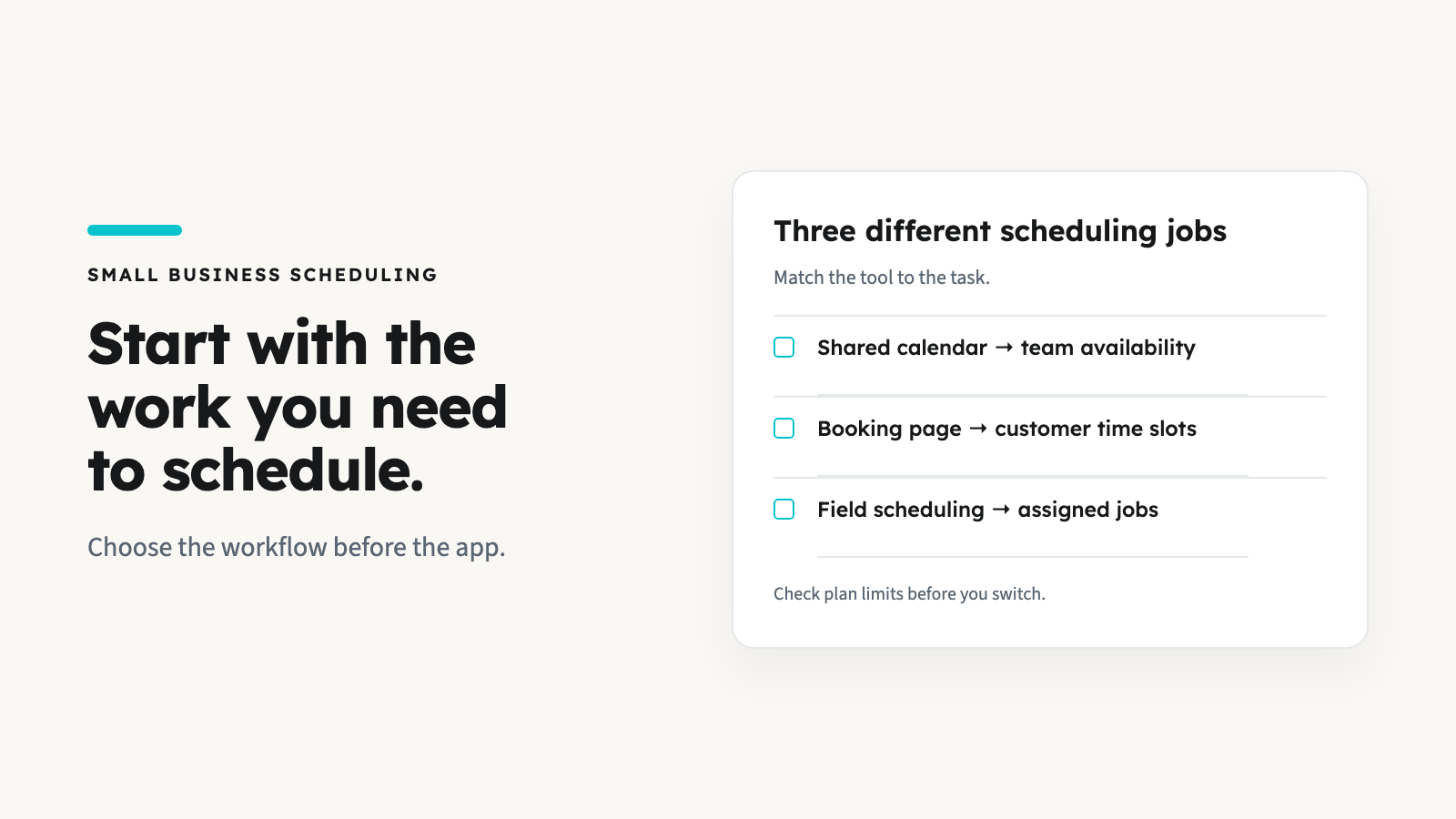


Field service software cost is more than the subscription. Compare the plan your crew can actually use, its billing commitment, paid extras and payment processing. Then test a real quote, job and invoice before moving your business.
AllBetter Field
Run a home-service business?
AllBetter Field keeps quotes, jobs and invoices in one app, starting at $29/mo with no lock-in. Team scheduling and dispatch are on Pro and up.
See AllBetter Field →AllBetter Field starts at $29/mo for one user. A crew that needs scheduling, dispatch and route optimization starts with Pro at $69/mo for up to five users. Bigger crews have separate tiers.
If you’re running a service business, the useful question is: what will this cost my crew each month, and what work will it replace? A low entry price is little help if you need a higher plan to schedule technicians, a paid add-on for a required task, or an annual payment you hadn’t budgeted for.
This guide gives you a cost checklist, a calculator you can use with any vendor quote, and the current AllBetter Field plans. Use ongoing rates and your own payment mix, rather than a temporary promotion or a different company’s transaction volume.
Pricing and payment sources checked October 12, 2026. Confirm your final quote before buying.
Calculate your monthly budget · See Field crew plans · Compare vendor quotes
What goes into a field service software budget?
Keep these four recurring costs separate. This makes it easier to see whether a higher plan saves you an add-on—or simply adds features you won’t use.
Keep onboarding, data migration, tax, devices and customer acquisition in separate budget lines. An annual prepayment also affects cash flow: divide it by twelve to compare the subscription, but record the full amount due upfront.
Jobber, Housecall Pro or Field: compare the right plan
AllBetter Field
Ready to ditch the paperwork?
See how AllBetter Field keeps your quotes, jobs and invoices in one place. Starting at $29/mo; team dispatch is on Pro and up.
See AllBetter Field →Ask each vendor for the same crew size and the same required workflow. Include the owner, office staff and technicians who need a login. Seat capacity and feature availability are two different checks.
| Software | Configuration to check | Question before buying |
|---|---|---|
| Jobber | Plan, included-user configuration and billing option. Connect offers different team configurations; don’t assume one base plan plus seats describes every quote. | Is this no-commitment monthly billing, monthly billing with a year commitment, or annual prepayment? Which tools are paid extras on this plan? |
| Housecall Pro | Basic, Essentials or MAX; included users and any extra MAX users. | Is the required tool included at this tier? A feature’s stated value is not automatically an additional charge. |
| AllBetter Field | Starter: 1 user; Pro: up to 5; Business: up to 10; Enterprise: up to 20. Scheduling, dispatch and route optimization start at Pro. | Does this plan fit your crew and your own customer workflow? Check the monthly price or the available annual prepayment. |
Need a wider shortlist? Our Jobber alternatives by business stage and Housecall Pro alternatives by workflow cover the next step. Bring the same checklist to every demo.
Calculate your monthly software and payment cost
Enter a vendor’s ongoing quote, then your payment volumes and completed transaction counts. The starting numbers are an illustrative example, not a vendor quote or Field processing rate. This calculator compares costs; it does not choose a suitable plan for you.
USD per month, before excluded costs and tax.
- Software including users/add-ons
- $190.00
- Payment method A
- $610.00
- Payment method B
- $50.00
Year at the same monthly inputs: $10,200.00. Add one-time setup and migration separately. This is a budget estimate, not a quote.
Check the math without the calculator
In the example, software is $100 + (2 × $25) + $40 = $190/month. Method A is ($20,000 × 2.9%) + (100 × $0.30) = $610. Method B is $5,000 × 1% = $50. Total: $850/month, or $10,200 over twelve identical months.
Change payment volume or transaction count and processing changes even when the software plan stays the same. Keep marketing and lead costs outside this calculation.
Compare payment fees using the same payment method
An in-person card rate and an online invoice rate describe different transactions. Don’t compare the lowest headline percentage on one platform with online payments on another. Count the fixed fee too: more, smaller payments can change the result.
Check Jobber’s payment pricing, Housecall Pro’s payment-method rates and Stripe’s standard pricing. Record the country, card type, payment channel, percentage, fixed charge and any caps or minimums from your actual account.
Field connects to your own Stripe account. Processing fees still apply. Stripe’s public standard pricing is a reference, not confirmation of the rate on your account. Field manages work for your own customers; the AllBetter marketplace is a separate app. Field does not include marketplace leads or escrow. A software subscription isn’t a customer-acquisition cost.
AllBetter Field cost by crew size
Choose the tier that fits both the logins and the work. Scheduling, dispatch and route optimization start at Pro; a solo operator who needs them should compare Pro rather than Starter.
| Plan | User capacity | Monthly | Annual payment | Scheduling, dispatch, routes |
|---|---|---|---|---|
| Starter | 1 user | $29 | $290/year | Not included |
| Pro | Up to 5 | $69 | $690/year | Included |
| Business | Up to 10 | $99 | $990/year | Included |
| Enterprise | Up to 20 | $129 | No annual plan | Included |
For a five-user crew needing dispatch, Pro is $69/month before processing and other excluded costs. A ten-user crew fits Business at $99/month. Fifteen users require Enterprise at $129/month. Those are capacity examples; confirm every required capability on the current Field plan page.
Test a real job before switching software
Price is only useful if the workflow works for your business. Create a customer, build a line-item quote, carry it into a job, and prepare an invoice. If you need scheduling or dispatch, test those on a plan that includes them. Check how your office and technicians will use the records together.
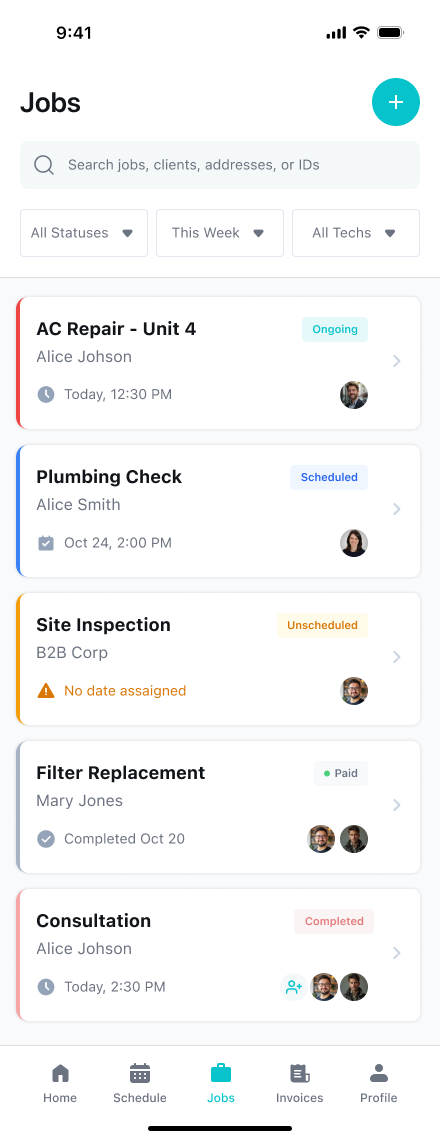
Field’s quote → job → invoice flow carries the details forward; quotes are built manually. To compare the quality of the estimate you send, use our guide to better contractor quotes. Keep a list of tools you still need outside Field and cost those honestly.
Automated client reminders, recurring billing and exporting to QuickBooks are unavailable in Field. If one of those is essential to your business, compare another product or budget a separate workflow. A lower subscription price cannot replace a required capability.
Before you move your book of customers
- Record the plan, quote date, total logins and required features.
- Separate ongoing pricing, promotional pricing and cash due upfront.
- Confirm export options and what migration requires; don’t assume automatic transfer.
- Test one quote, one job and one invoice with your own working example.
- Keep customer-acquisition spending separate. See our contractor lead-cost guide for that budget.
Field service software cost: common questions
How much does field service software cost per month?
The total depends on the required plan, logins, add-ons and payment processing. AllBetter Field starts at $29/mo for one user; scheduling, dispatch and route optimization start at Pro at $69/mo for up to five users. Use the calculator with each vendor’s current quote to compare your monthly budget.
Does a cheaper advertised plan mean a cheaper crew budget?
Only if it includes your required features and enough users. Compare the same billing commitment, ongoing price and payment methods. Record annual cash due upfront separately from its monthly equivalent.
Does AllBetter Field include marketplace leads or escrow?
No. Field manages work for your own customers and connects to your own Stripe account. The AllBetter marketplace is a separate app. Marketplace leads and escrow are not Field features, and processing fees still apply.
How can I try Field before subscribing?
Field is free to start: your first 3 quotes, 3 jobs, 3 invoices and 3 customers are free. Passing 3 on any one of those triggers the subscription prompt. Check the plan features before testing a workflow that needs scheduling or dispatch.
Run the numbers. Then run a real job.
Field starts at $29/mo. Your first 3 quotes, 3 jobs, 3 invoices and 3 customers are free. Subscribe when you pass 3 on any of them.
Need scheduling, dispatch or route optimization? Compare Pro from $69/mo.
Sources and method
Official pages checked October 12, 2026: Jobber pricing and billing options, Housecall Pro plans, Housecall Pro payment processing, Stripe pricing and AllBetter Field plans. Prices and offers can change. Calculator examples use labelled hypothetical inputs, not a measured vendor savings claim.