

Home service software helps a contractor keep customer details, quotes, job schedules and invoices connected. The right choice depends on the work you sell and the handoffs you need to manage. A solo painter quoting individual projects has different needs from a cleaning company managing repeat visits or a plumbing shop coordinating service calls.
AllBetter Field
Run a home-service business?
AllBetter Field keeps quotes, jobs and invoices in one app, starting at $29/mo with no lock-in. Team scheduling and dispatch are on Pro and up.
See AllBetter Field →Start with the part of your work that gets lost between tools. Then compare the plan that actually covers it. For the price side specifically, what field service software really costs explains how to compare billing terms, included users and additional charges.
Published by AllBetter, maker of AllBetter Field. This guide explains selection criteria and documented product limits; it is not a hands-on performance test of competing platforms.

What is contractor software?
AllBetter Field
Ready to ditch the paperwork?
See how AllBetter Field keeps your quotes, jobs and invoices in one place. Starting at $29/mo; team dispatch is on Pro and up.
See AllBetter Field →Contractor software is a broad category. Field service management focuses on customer records, jobs, scheduling and invoicing. Estimating software may instead focus on measurements, takeoffs, assemblies and material pricing. Accounting software handles a different set of financial records. One product does not necessarily do all three.
A calendar and a separate invoicing app can be enough when the work is simple and someone reliably maintains both. Consider a more connected system when the same customer or job details must be copied repeatedly, the office cannot see a change made in the field, or responsibility for the next step is unclear.
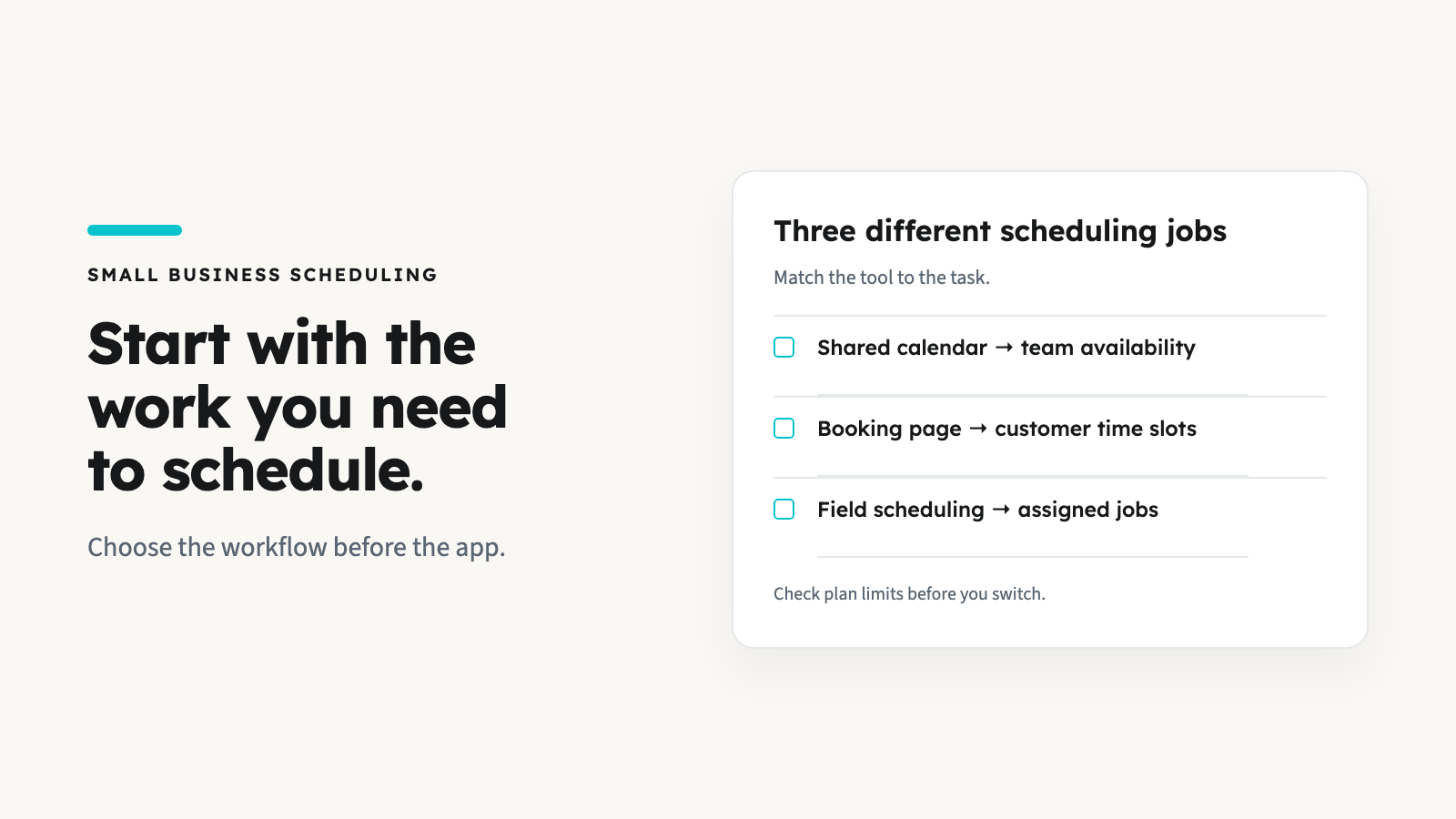
Choose the workflow before the trade label
Individual quoted jobs
Handyman, painting, carpentry and tree-care work can involve an agreed scope followed by a change. Test whether the quote, job notes and final invoice stay consistent as you edit them.
Service calls and crews
Plumbing, electrical, HVAC and appliance-repair businesses may need to assign a visit, see the day’s jobs and communicate a revised scope. Check the required plan and who can access each job.
Repeat visits or contracts
Cleaning, lawn care, pool service and pest control may need recurring schedules, renewals or contract records. Ask for a demonstration of those exact needs; a trade-specific landing page does not establish that they are supported.
Some businesses cross these categories. A landscaper might quote a one-off cleanup and also maintain weekly accounts. Write down both workflows before choosing, rather than assuming one successful demo covers the whole business.
The requirements to check in a demo
- Quotes and changes. Enter your own scope, materials and labor. Change a line item and check what carries into the job and invoice. For a practical example, use our contractor quoting guide.
- Scheduling and access. Assign a sample job to the person who would do it. Check user limits, permissions and the plan required for scheduling or dispatch.
- Invoices and communication. Find out who actually sends the message, which channel it uses and whether follow-ups are manual or automated. Creating an invoice is different from collecting a payment.
- Repeat and specialist work. If you need memberships, recurring visits, inventory, equipment histories or takeoffs, test those functions directly. Do not infer them from a general feature list.
- Accounting and records. Verify the exact integration, supported records and any manual reconciliation. An invoice export or a payment connection is not a complete accounting system.
Where AllBetter Field fits—and where it does not
AllBetter Field manages quotes, jobs, customer details and invoices for your own customers. You enter the quote yourself; its line items and photos can carry into the job and invoice, where they remain editable. Jobs have notes and photos, and invoice photos are optional.
Starter is $29/month for one user. Scheduling, dispatch and route optimization start with Pro at $69/month, with up to five users. Business is $99/month for up to ten, and Enterprise is $129/month for up to twenty. Compare the required tier, not the starting price alone.
When you choose Email or Text for a quote or invoice, Field prepares a PDF link and opens your phone’s mail or messaging app; you send the message. Automated client reminders, recurring scheduling or billing, saved quote templates, specialist takeoff tools and a QuickBooks export are not Field capabilities. These limitations matter if they are central to your workflow.
Payments use the contractor’s own Stripe account. Field does not hold payments in escrow or include a job marketplace. The separate JobPro app is for finding work. Review the Field plans and workflow against your requirements before choosing.
How to Choose the Right Platform
Shortlist by requirements first, then compare total cost for your actual team. A low entry price does not establish the best fit; a higher-priced platform may include automation or specialist functions you would otherwise manage separately.
If you are comparing a simple own-customer workflow with Jobber’s plan options, read Jobber versus AllBetter Field. For service-call operations, the plumbing software comparison explains the distinction between basic job management and more specialized needs.
If finding customers is the bigger gap, evaluate that separately. Business-management software organizes work; it does not necessarily provide new jobs or customers.
For trade-by-trade comparisons, see our guides to the best arborist software, lawn care business software, cleaning business software, handyman software and painting contractor software.
For the Field workflow in a single trade, see our HVAC software and tree care software pages. Check each against the specialist functions your work requires.
A useful trial: take one sample job through the whole process
Use a sample customer, not a real payment. Enter a quote, add a scope change, schedule the job if that is a requirement, prepare the invoice and find the resulting records. Have the intended user perform the steps on a phone. Keep a note of anything that needs a separate tool or manual action.
Before moving existing work, confirm what can be exported from the old system and imported into the new one. Do not assume a CSV import or automatic migration exists. Keep your existing records until you have checked the replacement, and avoid sending duplicate invoices while testing.
Frequently asked questions
What is the best field service management software for a small business?
The best fit is the plan that supports your actual jobs, users and required handoffs. Test a representative job and compare the total cost. There is no reliable universal winner based only on trade name or team size.
Do I need different software for each home-service trade?
Not necessarily. Shared quote, job and invoice workflows may work across trades. Recurring visits, regulated records and specialist estimating can require capabilities a general tool does not offer.
Can field service software replace accounting software?
Do not assume so. Check what financial records and integrations the chosen product supports. Field does not provide a QuickBooks export; plan the separate accounting workflow before adopting it.
Sources and checks
Check current feature and billing details directly: Jobber’s plan comparison, Housecall Pro’s plumbing workflow and ServiceTitan’s plumbing software. These official pages were consulted on October 14, 2026. Vendor descriptions are not independent proof of performance or a guarantee that every feature is included in a starting plan.