

Run a home-service business? AllBetter Field handles scheduling, invoicing, and customer management in one app — flat monthly pricing, no commission on your jobs.
Stop chasing paperwork. Run the business side.
Related read: A moving timeline that actually saves time, money, and stress
Check your inbox for a confirmation email.
Field gives you scheduling, estimates, invoicing, and payment in one app — flat $29/month, no per-lead fees.
Paper-based contracting operations cost the average small contractor $8,000–$15,000 annually in lost invoices, duplicated data entry, and projects that fall through the cracks — and most of that waste is invisible until you track where your hours actually go. AllBetter (a newer platform)’s Escrow Shield and Stripe Identity verification let you run a fully digital operation starting at $29/month, replacing the filing cabinet, the invoice binder, and the spreadsheet with a single platform that also protects your payments. Ready to grow? Join AllBetter as a provider — plans start at $29/mo with $0 lead fees.
This guide covers the specific paper processes that cost contractors the most money, the exact digital tools that replace them, and how to transition without losing your mind or your existing workflow.

The Real Cost of Running a Paper-Based Contracting Business
Ready to ditch the paperwork? See how AllBetter Field keeps your jobs, invoices, and schedule in one place — built for crews, priced flat.
Most contractors don’t calculate the cost of paper processes because the losses are distributed across hundreds of small inefficiencies. Here’s what the numbers actually look like for a contractor running 8–12 projects per month:
- Lost invoices — 3–5% of invoices are never sent or get lost in the mail. On $200,000 annual revenue, that’s $6,000–$10,000 in uncollected payments.
- Duplicate data entry — writing the same client details on quotes, work orders, invoices, and receipts wastes 4–6 hours per week
- Delayed invoicing — paper invoices go out 7–14 days after job completion instead of same-day, extending collection time by 2+ weeks per project
- Missing receipts — the average contractor loses $2,000–$4,000 in deductible expenses per year because material receipts get lost, damaged, or left in the truck
- Quote follow-up gaps — 40% of quotes are never followed up because there’s no system to track which ones are outstanding
Total cost of paper operations: $15,000–$30,000 per year in direct losses and opportunity costs. That’s not an app subscription — that’s a crew member’s wages.
Five Paper Processes to Digitize First (In Order of ROI)
1. Invoicing — Biggest Immediate Impact
Switch from paper invoices to digital invoicing and you’ll see results within the first week. Digital invoices go out the same day work is completed (not 7–14 days later), include a “pay now” button that lets clients pay by credit card or ACH, and automatically send reminders at 7, 14, and 30 days overdue.
The average contractor who switches from paper to digital invoicing reduces collection time from 37 days to 14 days. On $200,000 in annual revenue, that cash flow acceleration can eliminate the need for a business line of credit entirely.
AllBetter goes further — Escrow Shield collects payment when the project is booked, not when you remember to send the invoice. The money is already secured before you pick up a tool.
2. Quoting — Stop Losing Bids to Slow Response Times
Homeowners request quotes from 3–5 contractors on average. The first contractor to respond with a professional, detailed quote wins the project 60% of the time. If your quoting process involves going home, writing up numbers on paper, and mailing or hand-delivering the quote, you’re 2–3 days behind contractors using mobile quoting apps.
Digital quoting lets you build and send a professional quote from the job site in 10–15 minutes. Templates pre-fill your standard rates and materials, and the client receives a PDF with your logo, itemized pricing, and a digital acceptance button.
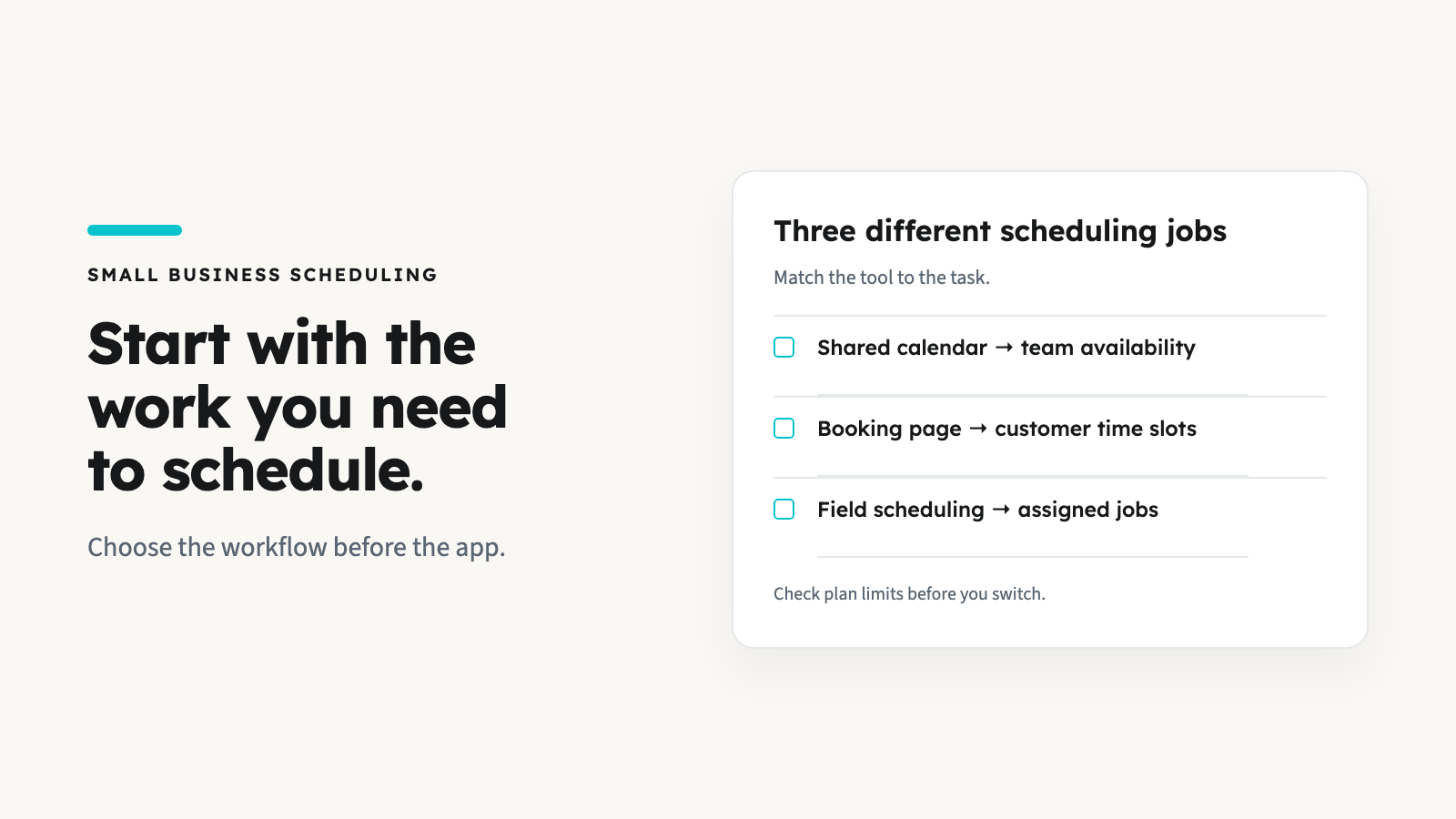
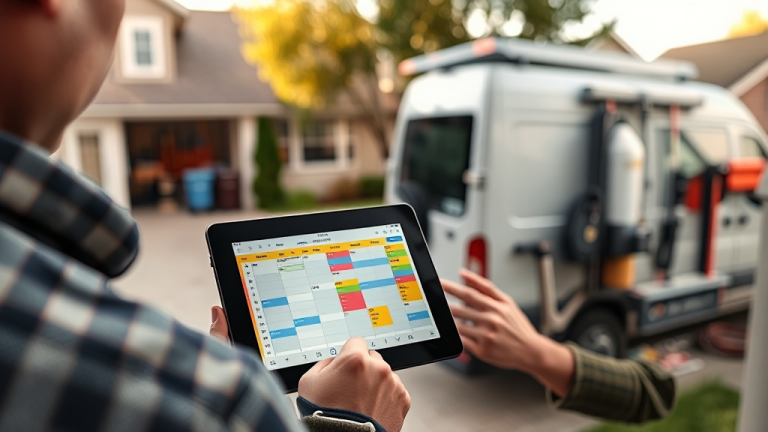
3. Scheduling — The Whiteboard Is Your Bottleneck
Whiteboards, pocket calendars, and mental scheduling work until they don’t — and when they fail, you double-book a crew, miss an appointment, or forget a callback. Digital scheduling with automated client reminders reduces no-shows by 40–60% and eliminates the 30-minute daily phone routine of confirming tomorrow’s appointments. Compare options on our business software hub to find the right fit for your operation.
4. Receipt Capture — Protect Your Tax Deductions
The IRS allows reconstruction of lost receipts, but auditors require “reasonable evidence.” A crumpled receipt in a shoebox doesn’t qualify. Snap a photo of every material receipt with your phone and it’s automatically categorized, dated, and stored in the cloud. At tax time, export the full year’s receipts in 30 seconds instead of spending a weekend sorting through envelopes.
5. Client Communication — One Thread, Not Five Channels
Texts, phone calls, emails, Facebook messages, voicemails — client communication spread across five channels means critical details get buried. Digital platforms centralize every message in one searchable thread tied to the specific project. When a client claims they “never approved that change,” you have the timestamped message proving they did.
Digital Tool Comparison: What Going Paperless Actually Costs
| Feature | AllBetter ($29/mo) | Jobber ($69–$169/mo) | Housecall Pro ($65–$199/mo) | ServiceTitan ($300–$500/user/mo) |
|---|---|---|---|---|
| Digital invoicing | Yes + Escrow Shield | Yes | Yes | Yes |
| Mobile quoting | Yes | Yes | Yes | Yes |
| Scheduling & reminders | Yes | Yes (advanced) | Yes | Yes (enterprise) |
| Client messaging | In-app | Email/SMS | Email/SMS + chat | Full CRM |
| Payment protection | Escrow Shield included | Not available | Not available | Not available |
| Identity verification | Stripe Identity included | Not available | Not available | Not available |
| Annual cost (solo) | $348 | $828–$2,028 | $780–$2,388 | $3,600–$6,000 |
Jobber
Jobber provides a clean workflow from quote to invoice with excellent scheduling tools. Their mobile app is reliable in the field, and the automated quote follow-up feature alone recovers projects that would otherwise slip through the cracks. The limitation is the per-user pricing model — adding crew members to the platform escalates costs quickly, and there’s no payment protection built in. You’re digitizing your processes but not securing your payments.
Housecall Pro
Housecall Pro’s strength is the marketing integration: automated review requests, online booking pages, and postcard campaigns run alongside standard scheduling and invoicing. The mobile-first design works well for technicians who live on their phones. The gap is financial security — payments process through the platform but aren’t protected by escrow or identity verification, leaving you exposed to chargebacks and disputes.
ServiceTitan
ServiceTitan offers the most comprehensive feature set: advanced dispatching, pricebook management, membership programs, and detailed analytics dashboards. The cost is prohibitive for most small contractors at $300–$500/user/month with mandatory annual contracts and $2,000–$5,000 onboarding fees. This platform makes sense at $2M+ annual revenue — below that, the subscription eats into the margins you’re trying to protect.
Go digital without the enterprise price tag. Start with AllBetter at $29/month — invoicing, scheduling, Escrow Shield, and Stripe Identity verification from day one.
Protection Reality Check: Digital Tools Without Payment Security
| Risk Factor | Digital Tools Without Protection | AllBetter with Escrow Shield |
|---|---|---|
| Invoice collection | Faster invoicing, but clients still control payment timing (avg 27+ days) | Payment secured at booking — released when you confirm completion |
| Client verification | No identity check — digital doesn’t mean verified | Stripe Identity confirms government ID before any booking |
| Payment disputes | Better documentation, but no financial backstop | Escrow-backed dispute resolution with complete paper trail |
| Chargebacks | You still absorb the loss plus processing fees | Escrow structure minimizes chargeback exposure |
| Non-payment risk | Digital reminders help, but can’t force payment | Funds already committed before work begins |
The 4-Week Paperless Transition Plan
Contractors who try to digitize everything at once abandon the process within 2 weeks. Use this phased approach instead:
Week 1: Invoicing Only
- Set up your account and payment processing
- Create 2–3 invoice templates for your most common project types
- Send every new invoice digitally (keep paper as backup if needed)
- Goal: Get comfortable creating and sending invoices from your phone
Week 2: Add Quoting
- Build quote templates with your standard rates and materials
- Send your next 5 quotes through the app instead of paper
- Track which quotes get accepted and how quickly clients respond
- Goal: Send quotes from job sites within 15 minutes of the walkthrough
Week 3: Add Scheduling
- Enter all current and upcoming projects into the digital calendar
- Turn on automated client reminders (24-hour and 1-hour before)
- If you have crew, add them to the platform and assign projects
- Goal: Check the app instead of the whiteboard for tomorrow’s schedule
Week 4: Add Communication and Receipt Capture
- Direct all new client communication through the platform
- Start photographing material receipts immediately after purchase
- Review your first month’s data: invoices sent, collection times, quotes accepted
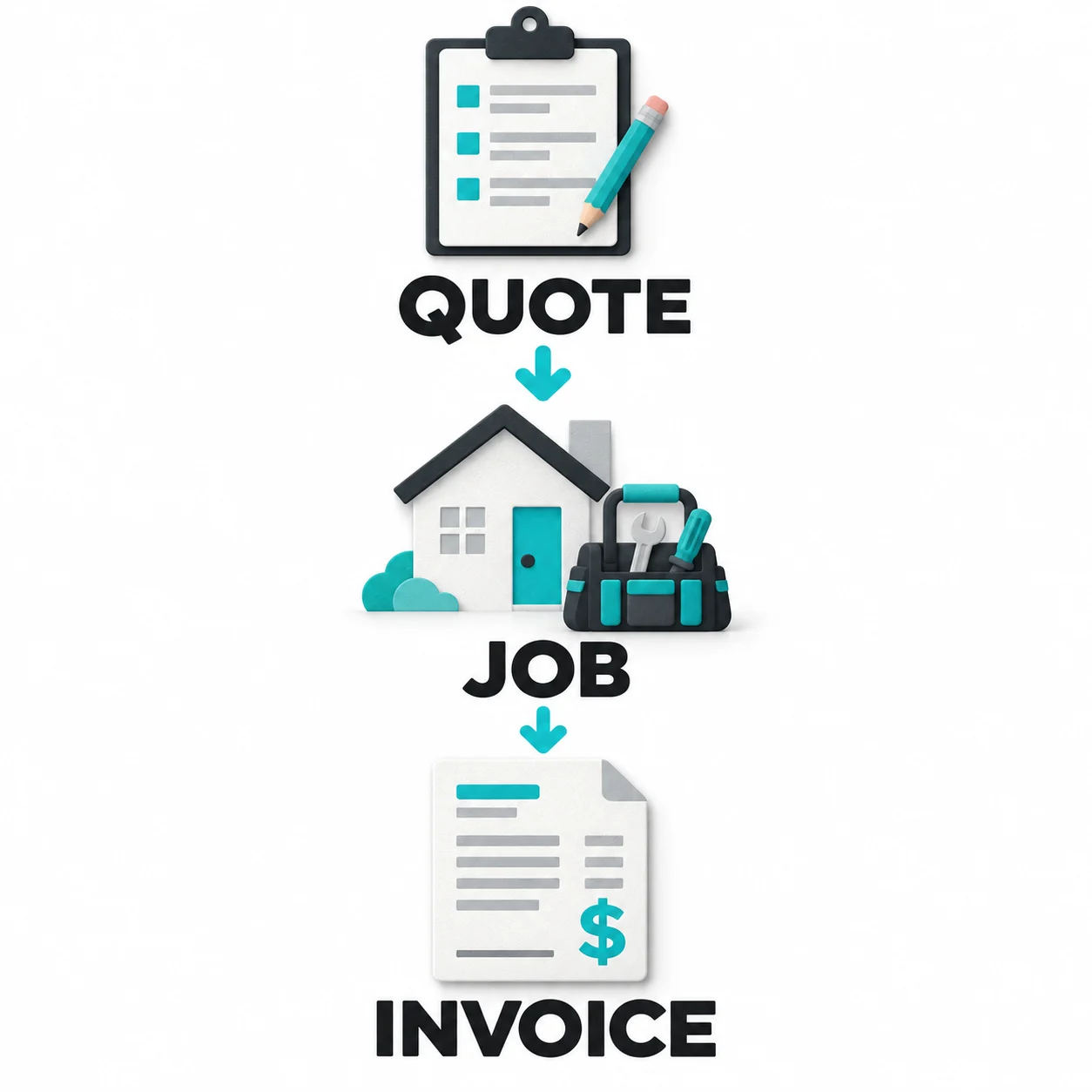
- Goal: Complete workflow — quote → schedule → work → invoice → collect — runs through one platform
Common Mistakes Contractors Make When Going Paperless
- Trying to digitize historical records — Start fresh. Don’t waste 20 hours entering old client data that you’ll rarely need. Import active clients only.
- Choosing based on feature count — A platform with 50 features you’ll use 5 of costs more and takes longer to learn than a focused tool. Pay for what you need now.
- Skipping crew training — A 15-minute walkthrough with each crew member prevents 90% of adoption problems. Don’t assume they’ll figure it out independently.
- Abandoning paper backup too early — Keep paper processes running in parallel for the first 2 weeks. Once you’re confident in the digital workflow, phase out paper entirely.
- Ignoring payment protection — Going paperless with invoicing is a step forward, but if you’re still sending invoices and hoping clients pay, you’ve only solved half the problem. Escrow-based platforms solve both the speed and security issues simultaneously.
See our guides on finding work through apps and starting a service business on a budget.
Cut acquisition cost to zero — keep that margin
| Feature | Angi / Thumbtack / HomeAdvisor | AllBetter |
|---|---|---|
| Pro Identity Verified | Self-attested, no verification | Stripe Identity verification on every pro |
| Lead Fees to Pros | $15–$80 per lead (passed back to homeowner) | $0 lead fees — ever |
| Payment Protection | None — you pay direct, hope for the best | Escrow Shield — you only release payment when work is approved |
| Pro Quality Filter | Anyone can sign up; reviews come later | Only ID-verified pros, average 3+ bids per job |
| Spam & Auto-Calls | Your phone rings for days after one inquiry | Zero spam — pros message in-platform |
Lead-fee context: average lead-gen spend at small contractors runs 8-15% of revenue — AllBetter is $0.
Trying to scale on rented platforms with $50-$110 lead fees means revenue grows but margin stays flat — you’re feeding the platform, not the business. The safer move is to see AllBetter business software — you get ID-verified bids in minutes, no obligation.
No payment until you approve the work. Escrow Shield protects every transaction.
Stop chasing paperwork. Run the business side.
Field gives you scheduling, estimates, invoicing, and payment in one app — flat $29/month, no per-lead fees.
Frequently Asked Questions
How long does it take a contractor to go fully paperless?
Most contractors achieve a fully digital workflow within 4 weeks using a phased approach. Start with invoicing (Week 1), add quoting (Week 2), scheduling (Week 3), and communication (Week 4). Rushing the transition leads to frustration and abandonment.
What’s the cheapest way for a contractor to go paperless?
AllBetter at $29/month provides the most affordable all-in-one solution: digital invoicing, quoting, scheduling, client messaging, plus Escrow Shield payment protection and Stripe Identity verification. Competing platforms start at $65–$69/month without payment security features.
Do I need internet access to use paperless contractor tools?
Most contractor apps cache essential data (schedules, client contacts, project details) for offline use. Creating invoices and processing payments requires connectivity. If you work in areas with unreliable cell service, test offline functionality before committing to any platform.
Will going paperless help with tax preparation?
Significantly. Digital receipt capture, categorized expenses, and exportable financial reports reduce tax preparation time by 60–80%. Most accountants charge less when they receive organized digital records versus boxes of paper receipts. The average contractor saves $500–$1,500 in accounting fees annually after going paperless.
What happens to my old paper records when I switch to digital?
Keep existing paper records for the IRS-required retention period (typically 3–7 years depending on the document type). Don’t spend time digitizing old records — focus on running all new projects through the digital platform. Old records stay in storage and gradually age out of the retention window.
According to IBISWorld — Industry Reports, IBISWorld: small-trade contractors who consolidate dispatch + invoicing on one platform consistently outperform manual operators on net margin.
More AllBetter resources:
Skip the DIY Risk
Don’t risk another year of revenue up, profit flat.
Post your job on AllBetter today. You don’t pay a dime until every margin point that used to fund lead fees stays in your business — backed by Escrow Shield.
Stripe-verified pros · $0 lead fees · Escrow Shield protection
Related Reading: