
Professional TV mounting costs $150 to $400 for a standard install — yet most homeowners can finish the job themselves in under two hours with $30 to $100 in hardware. Per Angi and Thumbtack data, TV mounting is one of the most frequently booked handyman services in the country, with over 2 million installs per year. The difference between a secure mount and a dangerous one comes down to finding studs, the right hardware, and wall type — not technical skill.
On AllBetter
Need an electrician?
Post the job free and compare bids from identity-verified local pros — payment held in escrow until the work is done right.
Find an electrician near you →How much does it cost to mount a TV on the wall? DIY TV mounting costs $30 to $100 for a wall mount bracket plus basic tools. Professional installation costs $150 to $400 depending on TV size, wall type, and cable management. Mounting on brick, concrete, or above a fireplace adds $50 to $150. In-wall cable concealment adds $75 to $200. For standard drywall with accessible studs, DIY is straightforward with basic tools and a helper.
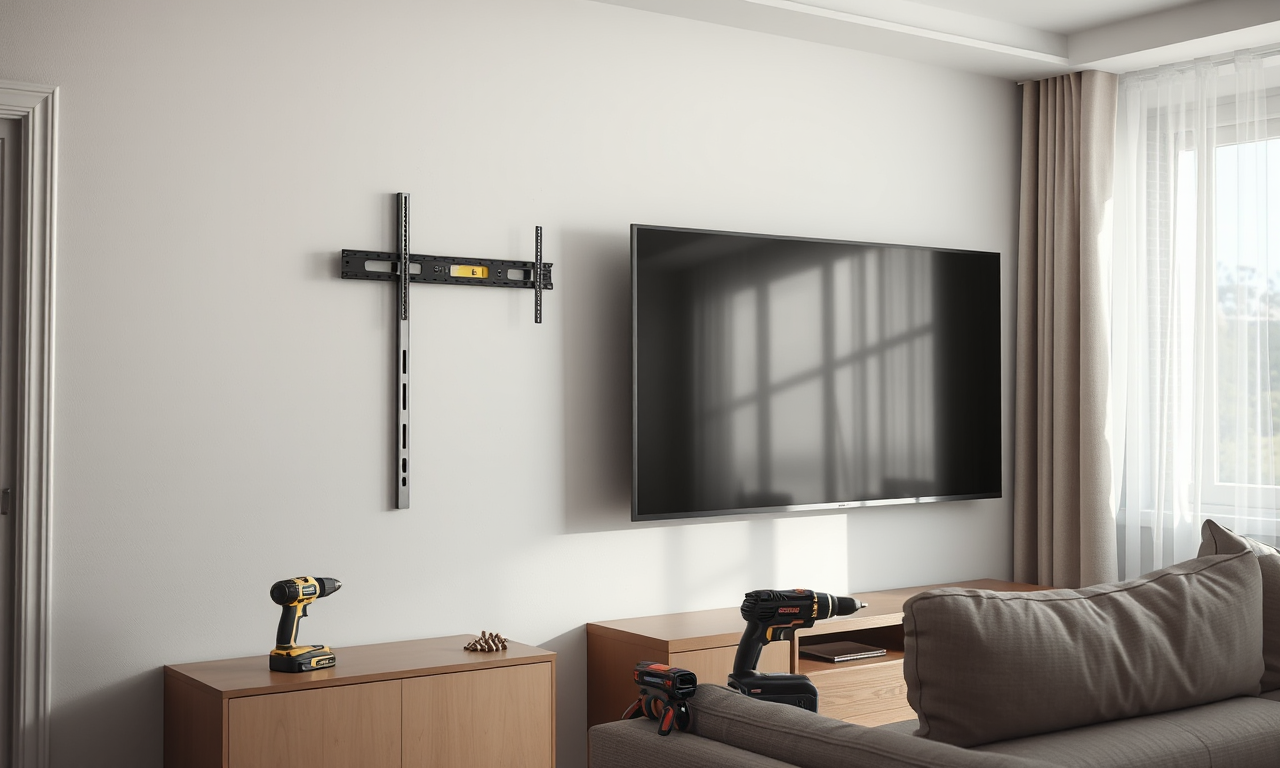
Choosing the Right Wall Mount
Wall mounts come in three types, each with trade-offs in cost, flexibility, and profile:
| Mount Type | Cost | Best For |
|---|---|---|
| Fixed (flat) | $15 – $50 | Dedicated viewing positions, slim profile |
| Tilting | $30 – $80 | Mounting above eye level, glare reduction |
| Full-motion (articulating) | $50 – $150 | Corner mounting, multiple viewing angles |
Check your TV’s VESA pattern — the distance between the four mounting holes on the back — and match it to the mount’s specifications. Standard VESA patterns range from 200×200mm for smaller TVs to 400×400mm for 55-inch+ screens. Any mount that matches your VESA pattern and supports your TV’s weight will work regardless of brand.
Tools You Need
Gather these before starting — missing a tool mid-project means an extra trip to the hardware store:
- Stud finder (electronic models cost $15–$30 and are reusable for future projects)
- Power drill with drill bits
- Spirit level (or a free smartphone level app)
- Tape measure
- Pencil or masking tape for marking
- Screwdriver (Phillips head for most mounts)
- Wall mount kit (includes bracket, screws, spacers)
For TVs 42 inches or larger, have a helper available. Lifting and positioning a large TV while aligning the mounting plate requires two people — dropping a TV is far more expensive than asking for help.
Step-by-Step TV Mounting Guide
On AllBetter
Ready to get it done?
Fund escrow before work starts. Release payment when you approve the finished work.
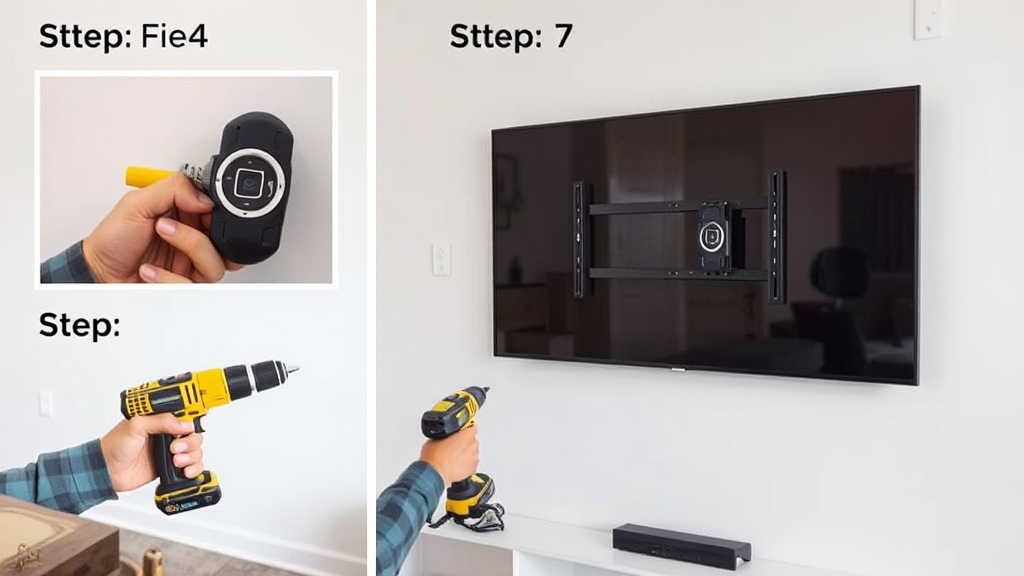
Find an electrician near you →Step 1: Choose the mounting position. Consider viewing distance (1.5 to 2.5 times the TV’s diagonal screen size), access to power outlets and cable connections, and glare from windows. The center of the screen should sit at seated eye level — approximately 42 to 48 inches from the floor for most living rooms.
Step 2: Locate wall studs. Use a stud finder to locate the wooden studs behind your drywall. TVs must be mounted into studs — drywall alone cannot support the weight. Mark the stud locations. Most mounts require two studs; larger TVs may need three.
Step 3: Mark the bracket position. Hold the wall bracket at your chosen height. Use a spirit level to confirm it’s horizontal. Mark the screw hole locations. Double-check measurements — drilling in the wrong position means patching and redrilling.
Step 4: Drill pilot holes. Drill pilot holes through the drywall and into the studs at each marked location. Pilot holes prevent the stud wood from splitting and make screw installation easier. Use a drill bit slightly smaller than your mounting screws.
Step 5: Secure the wall bracket. Drive the mounting screws through the bracket and into the studs. The bracket should sit flush against the wall with no wobble. If it bows or flexes, you’ve overtightened — loosen slightly until it sits flat and firm.
Step 6: Attach the mounting plate to the TV. Lay the TV screen-down on a soft surface. Align the mounting plate with the VESA holes on the back of the TV and screw it into place. Don’t overtighten — once the plate is snug, one additional quarter-turn is enough.
Step 7: Hang the TV. With your helper, lift the TV and carefully lower the mounting plate onto the wall bracket. Some mounts have locking mechanisms — engage them once the TV is seated. Check that the TV is level and secure before releasing.
Step 8: Connect cables and test. Reconnect power, HDMI, and any other cables. Connect everything before pushing the TV flat against the wall if using a fixed or tilting mount — rear ports become inaccessible once flush. Test all connections before organizing cables.
Special Surfaces: Brick, Concrete, and Fireplace
Standard drywall-with-studs mounting is straightforward DIY. These surfaces require additional tools or professional help:
- Brick or concrete: Requires a masonry drill bit and concrete anchors (sleeve anchors or Tapcon screws). Slower and dustier, but the mount is extremely secure once installed.
- Plaster walls: Older homes with plaster-over-lath walls behave differently than drywall. Use a stud finder designed for plaster. Toggle bolts work where studs aren’t accessible.
- Above a fireplace: Heat is the primary concern. Measure the temperature at the mounting location while the fireplace is running — most TV manufacturers recommend operating temperatures below 100°F. A mantel or heat deflector helps. A tilting mount angles the screen downward for comfortable viewing.
For any of these surfaces, booking a ID-verified pro on the handyman marketplace eliminates the risk of drilling errors, wall damage, or insecure mounting.
Not sure which app to use? See the best apps to find a handyman near you.
Cable Management Options
- Cable concealment kits ($10–$30): Adhesive-backed raceways that snap closed over cables. Paintable to match wall color. No tools required.
- In-wall cable routing ($75–$200 professional): HDMI and ethernet cables can be run through the wall for a hidden look. Power cables should never run through walls without rated conduit — have an electrician install a recessed outlet behind the TV for safe power delivery.
- Cord organizers ($5–$15): Flexible sleeves that bundle multiple cables into a single channel.
When to DIY vs. When to Book a Pro
DIY is appropriate when: You have standard drywall with accessible studs, own basic tools, have a helper for TVs over 42 inches, and don’t need in-wall cable routing. Total cost: $30 to $100 for the mount plus 1 to 2 hours.
Book a professional when: Your wall is brick, concrete, or plaster; you want in-wall cable concealment; the location requires electrical work (new outlet); you’re mounting above a fireplace; or you’re not comfortable with power tools. Pro mounting typically takes under an hour and a crooked mount, missed stud, or wall damage costs more to fix than the installation fee. Compare current handyman hourly rates before you book.
Rather not drill into the unknown?
Post the job once and identity-verified pros send real bids — compare prices side by side, and your payment sits in escrow until you approve the finished work.

Finding TV Mounting Professionals
Angi connects homeowners with handymen experienced in TV mounting. Large provider network with fast response times. Useful for comparing quotes from multiple providers in your area, though pros pay $15–$80 in lead fees that get passed back into your quote.
Thumbtack offers pre-screened handymen with review histories and pre-priced TV mounting packages that simplify budgeting. Many providers bundle mounting with cable management for a discounted total. Lead-fee pricing model is similar to Angi.
HomeAdvisor matches you to 3–4 local handymen after a short questionnaire. Expect phone calls and SMS within minutes — pros pay per lead, so the inbound rush is intentional.
AllBetter charges service providers $0 in lead fees, with payments held in Escrow Shield until work is confirmed. All providers pass Stripe Identity verification. The network is smaller — availability varies by market. Where active, the zero-fee model keeps handyman quotes competitive on standard services like TV mounting.
Bundling TV mounting with other small tasks — hanging shelves, installing curtain rods, fixing cabinet hardware — into a single handyman visit reduces total labor cost. Most handymen charge by the hour rather than by the task, so multiple projects in one appointment maximize value. Browse the full handyman services list with 2026 pricing to see what else you can bundle, or pair the mount with a smart lock upgrade while the pro is on site.
Frequently Asked Questions
How much does professional TV mounting cost?
Professional TV mounting on standard drywall costs $150 to $400 including the mount bracket. Mounting on brick, concrete, or above a fireplace adds $50 to $150. In-wall cable concealment adds $75 to $200. Total professional cost with cable management on standard walls typically ranges from $250 to $500.
Can I mount a TV by myself?
Yes, for standard drywall installations with accessible studs. You need a drill, stud finder, level, and the wall mount kit. For TVs over 42 inches, have a second person help with lifting and positioning. The complete process takes 1 to 2 hours for most homeowners with basic tool experience.
What if I can’t find a wall stud where I want the TV?
Use heavy-duty toggle bolts or snap toggles rated for your TV’s weight. These anchors spread the load across a larger area of drywall. For TVs over 50 inches, a stud-mounted solution is strongly recommended — either adjust the TV position to align with studs or use a mounting plate that spans between two studs.
Is it safe to mount a TV above a fireplace?
Yes, if the mounting location stays below 100°F during fireplace operation. Measure the actual temperature before installing. A mantel helps deflect heat. Use a tilting mount to angle the screen downward for comfortable viewing from seated positions — above-fireplace mounting places the TV higher than optimal eye level.
How do I hide TV cables without cutting into the wall?
Cable concealment kits (raceways) are the easiest solution — they attach with adhesive and snap closed over cables. Most are paintable to match wall color. For a completely hidden look, a professional can route cables through the wall and install a recessed outlet behind the TV.
What wall mount type should I choose?
Fixed mounts ($15–$50) work best when the TV faces the primary seating area directly. Tilting mounts ($30–$80) suit above-eye-level installations where you need to angle the screen downward. Full-motion mounts ($50–$150) are ideal for corner placement or rooms where you need to change the viewing angle frequently.