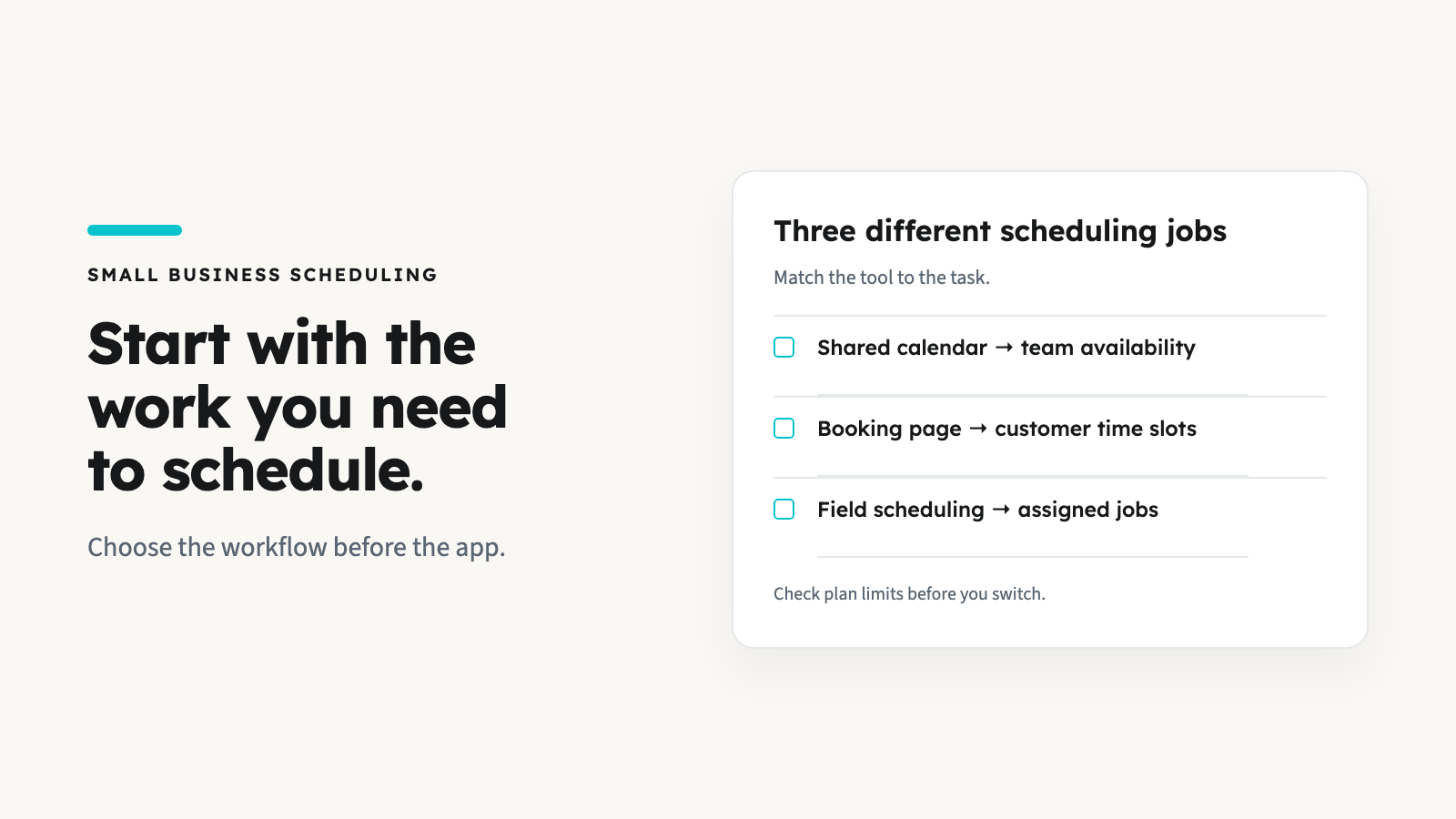


Compare Housecall Pro alternatives against your actual work: quoting, recurring visits, crew dispatch, customer communication and invoicing. First check whether your current plan already supports the missing step. If you still need to switch, test that workflow and a small data export before committing.
AllBetter Field
Run a home-service business?
AllBetter Field keeps quotes, jobs and invoices in one app, starting at $29/mo with no lock-in. Team scheduling and dispatch are on Pro and up.
See AllBetter Field →Housecall Pro supports more than single-visit dispatch. Its jobs, invoices and estimates documentation covers estimating and job workflows, and its current pricing page lists estimates alongside scheduling. A difficult setup or plan limit is different from a missing capability.
The Workflow Test: Is Your Work Shaped Like a Service Call?
AllBetter Field
Ready to ditch the paperwork?
See how AllBetter Field keeps your quotes, jobs and invoices in one place. Starting at $29/mo; team dispatch is on Pro and up.
See AllBetter Field →Start with the job that breaks your current process. It might be a quote needing approval, a repeat visit, a two-person assignment or an invoice still waiting for payment. Describe the steps and who performs each one before choosing another platform.
If scheduling is the part you need to replace, compare scheduling apps by booking and dispatch needs before moving the rest of your business.
Housecall Pro Alternatives by Workflow Shape
| Option | A useful comparison task | Limits to resolve before switching |
|---|---|---|
| Keep Housecall Pro | Test the missing step on your current plan; Basic lists scheduling, dispatch, estimates and invoicing | Confirm tier, user count, add-ons and any setup change with the vendor. |
| Jobber | Compare job booking, quotes, invoicing and customer follow-up on the required tier | Automation and team configurations differ by plan; use the official plan comparison. |
| AllBetter Field | Test manually created quotes, jobs, invoices and customer records for your own customers | Starter $29/mo for one user; scheduling/dispatch on Pro $69/mo and up. No automated customer reminders, recurring billing or Field escrow. |
| A larger operations platform | If you need additional reporting or integrations, write a requirements list and request a demonstration | A sales demo is not proof your records transfer or your exact integration is included. Use the contractor app comparison to frame the shortlist. |
Run This Three-Job Test Before Switching
| Test | Record | Pass condition |
|---|---|---|
| A new estimate with approval | Plan; users; scope; approval method; manual steps | You can reproduce the approved scope and price without losing the record. |
| A rescheduled crew job | Original/new time; assigned users; notes; customer communication | The right people see the change and someone owns the customer notification. |
| An invoice through your intended payment setup | Invoice total; taxes; processor; fees; payment status | The intended payment workflow and reconciliation work for your business. |
Write pass, manual or unavailable beside each test. Do not enter live customer payment information into a demonstration account. Keep the old system available until the checks you depend on pass.
Jobber: Compare the Required Tier
Use your real headcount and required follow-up features when comparing Jobber. Our Jobber alternatives guide addresses that separate buying decision. Neither a higher price nor a longer feature list establishes a better fit.
AllBetter Field: Separate Operations From Finding Work
For your own customers, AllBetter Field handles quotes, jobs and invoices, starting at $29/mo with no lock-in. Scheduling and dispatch are on Pro and up. Connect your own Stripe account for customer payments. JobPro is a separate app for finding homeowner jobs.
A Field subscription does not include homeowner demand or move marketplace customers into its records automatically. Confirm every needed workflow during your own trial. Field has no built-in invoice payment links; you can create invoices on your phone and take customer payments through your own Stripe account.
Switching Without Breaking Your Book
Housecall Pro documents customer and job exports for Admin users. Export availability is not a guarantee that another product can import every field.
- Customers: compare record counts, duplicate names, contact fields and service addresses.
- Job history: check dates, notes, status and the customer relationship on a small sample.
- Open balances: reconcile invoice totals and paid/unpaid status. Decide where existing invoices will close.
- Attachments and price book: confirm each separately. An exported customer list does not prove photos, files or pricing rules transfer.
- Recurring schedules: confirm what can be imported and what must be recreated. Do not assume the destination supports your repeat-visit workflow.
- Cutover: name the final entry date in each system, preserve authorized records and cancel only after your required checks are complete.
Include subscription, migration work, payment processing and optional add-ons in the comparison. What field service software really costs helps organize that budget. Customer acquisition remains a separate expense; the contractor lead-cost guide covers that question.
Written by Tarik Khribech, founder of AllBetter. Reviewed October 8, 2026.