

Cloud-Based Mobile Apps for Small Business: The 2026 Guide Small businesses that still rely on desktop-only software, paper invoices, and manual scheduling lose an average of 120 productive hours per year on redundant administrative tasks, according to the SBA’s Office of Advocacy. For a field service company billing $75 per hour, that translates to roughly $9,000 in annual revenue left on the table — before accounting for missed appointments, lost invoices, and delayed client responses. The fix is not working harder. The fix is moving your operations to the cloud. How do cloud-based mobile apps help small businesses? Cloud-based mobile apps give small business owners real-time access to accounting, scheduling, CRM, invoicing, and project management from any device. They eliminate double data entry, sync information across team members instantly, and reduce software costs by replacing multiple desktop licenses with a single subscription — typically saving 30–50% compared to traditional installed software.  This guide covers the core categories of cloud business apps, compares pricing across leading platforms, and walks you through a practical migration plan.
AllBetter Field
Run a home-service business?
AllBetter Field keeps quotes, jobs and invoices in one app, starting at $29/mo with no lock-in. Team scheduling and dispatch are on Pro and up.
See AllBetter Field →Why Small Businesses Are Moving to Cloud-Based Software
The shift away from installed desktop software is not a trend — it is a structural change in how small businesses operate. A 2025 report from the NFIB found that 62% of small business owners now use at least one cloud-based tool for daily operations, up from 38% in 2020. Several forces are driving the migration:
Remote and Field Access
Desktop software ties your data to a single machine. Cloud apps eliminate that bottleneck — every team member sees the same estimates, schedules, and client notes updated in real time.
Lower Upfront Costs
Traditional software requires a one-time license fee of $300–$1,500 per user plus annual maintenance. Cloud subscriptions spread costs into predictable monthly payments of $10–$80 per user and include automatic updates.
Automatic Backups and Security
Cloud platforms back up data continuously and use enterprise-grade encryption. According to BLS data on business disruptions, companies without cloud backup take an average of 25 days to recover from a major data loss event.
Scalability Without IT Staff
Adding a new employee to a cloud app takes minutes — no server upgrades, license keys, or IT contractor visits. For businesses adding seasonal workers, this flexibility is critical.
The 6 Core App Categories Every Small Business Needs
Not every business needs every category on day one. But understanding what is available helps you avoid buying overlapping tools or missing a critical gap.
1. Accounting and Invoicing
Cloud accounting apps like QuickBooks Online, FreshBooks, and Wave handle invoicing, expense tracking, bank reconciliation, and tax preparation. The key advantage over desktop accounting: your bookkeeper, your accountant, and you can all access the same books simultaneously without emailing files back and forth. Contractors should look for apps supporting progress billing and job costing — features general-purpose tools often lack.
2. Customer Relationship Management (CRM)
A CRM tracks every client interaction: initial inquiry, estimate sent, follow-up calls, completed projects, and review requests. Cloud CRM options range from free tiers (HubSpot, Zoho) to enterprise platforms (Salesforce). Service-based businesses should prioritize CRMs that integrate with scheduling and invoicing.
3. Scheduling and Dispatch
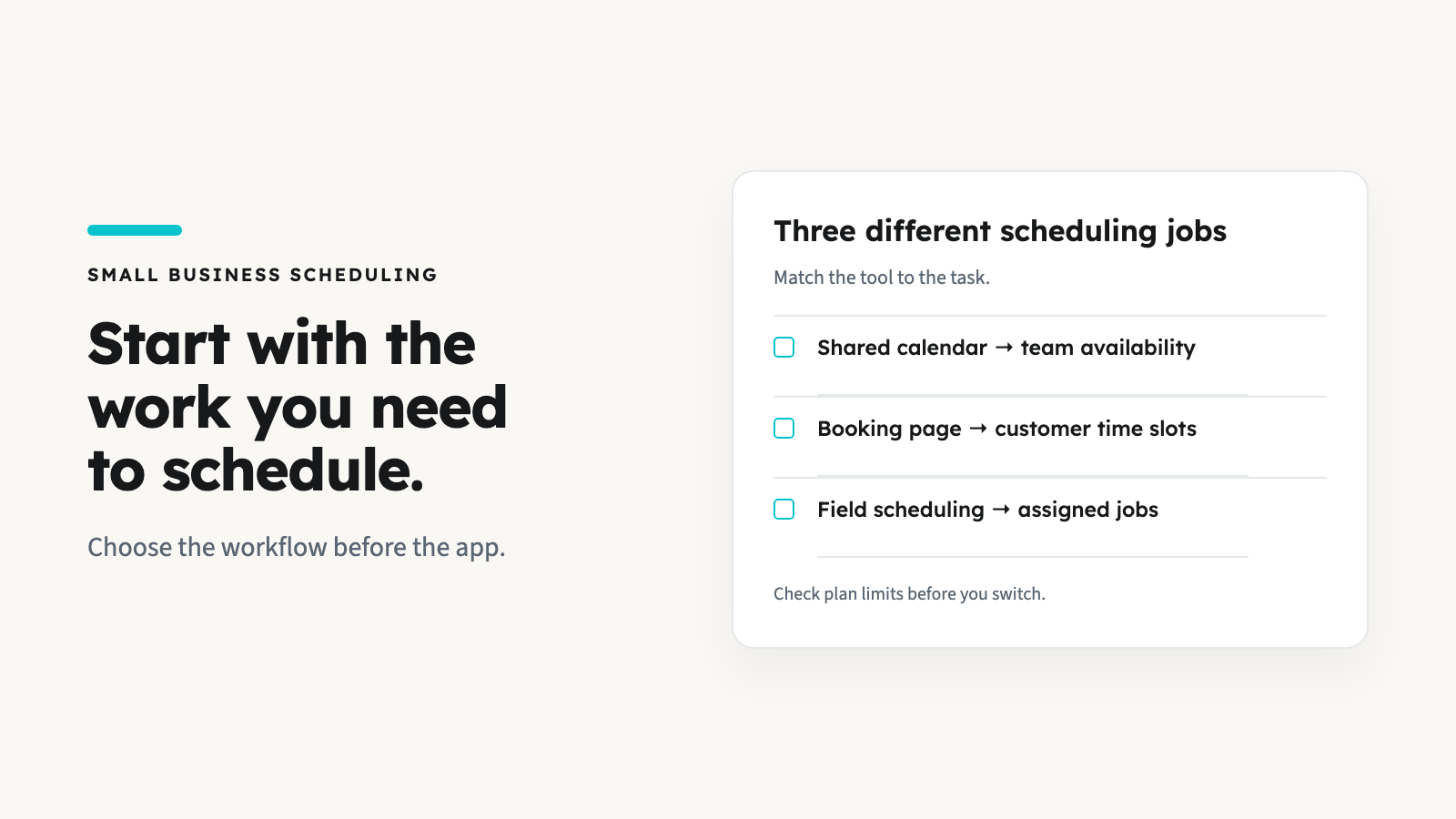
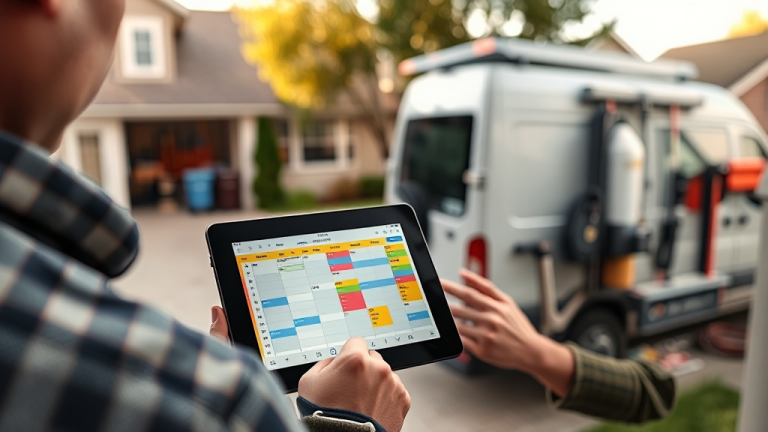
Scheduling apps replace whiteboards, paper calendars, and text-message coordination. They let you assign team members to specific time slots, send automated reminders to clients, and adjust on the fly when a task runs long or a cancellation opens a slot. For field service businesses — plumbers, electricians, HVAC technicians — scheduling apps with GPS dispatch and route optimization can cut drive time by 20–30%, directly increasing the number of billable appointments per day.
4. Project Management
Project management tools like Trello, Asana, Monday.com, and Basecamp help teams track tasks, deadlines, and deliverables. The cloud advantage is visibility: everyone sees the current status of every task without asking for an update. For contractors running multiple projects simultaneously, a project management app prevents the classic problem of materials ordered for the wrong site, subcontractors showing up on the wrong day, or estimates that never convert because no one followed up.
5. Communication and Collaboration
Slack, Microsoft Teams, and Google Workspace centralize team conversations, file sharing, and video meetings into a single platform. For field businesses, apps with built-in client messaging keep conversations inside the platform rather than scattered across personal text threads.
6. Field Service Management (All-in-One)
Field service management (FSM) apps bundle scheduling, dispatching, invoicing, CRM, and payment processing into a single platform. Instead of stitching together five separate apps, an FSM platform handles the full workflow from booking to payment. This category matters most for home service contractors — the businesses where a missed appointment or a lost invoice has an immediate, measurable financial impact. Understanding which software categories your business actually needs prevents both overspending and dangerous gaps.
Cloud-Based vs. Traditional Software: Side-by-Side Comparison
| Feature | Cloud-Based Apps | Traditional Desktop Software |
|---|---|---|
| Access | Any device, anywhere with internet | Single computer or local network only |
| Cost Structure | Monthly subscription ($10–$80/user/mo) | Upfront license ($300–$1,500/user) + annual fees |
| Updates | Automatic, included in subscription | Manual install, often requires separate purchase |
| Data Backup | Continuous cloud backup, encrypted | Manual backup required (external drive or local server) |
| Team Collaboration | Real-time multi-user access | File sharing via email or USB; version conflicts common |
| Scalability | Add/remove users in minutes | New license purchase + IT setup per user |
| Offline Access | Limited (some apps offer offline mode) | Full functionality without internet |
| Data Ownership | Stored on vendor servers; export options vary | Stored locally; full control over files |
Cloud apps win on accessibility, cost predictability, and collaboration. Traditional software wins on offline reliability and data control. For most field service businesses, the cloud advantages outweigh the drawbacks — but verify offline mode functionality if you work in areas with unreliable internet.
Field Service Software Pricing: What the Market Actually Costs
For home service contractors, field service management software is the single most impactful cloud app category. Here is what the leading platforms charge:
| Platform | Starting Price | Key Strength |
|---|---|---|
| Jobber | $69/mo | Polished interface, strong scheduling and quoting tools; well-suited for established teams with 5+ employees |
| Housecall Pro | $79/mo | Marketing automation, online booking page, and review management; good for businesses focused on growth |
| ServiceTitan | $500+/mo per user | Enterprise-grade dispatching, pricebook management, and reporting; designed for large operations with 15+ technicians |
| AllBetter Field | $29/mo | Scheduling, invoicing, CRM, and direct payouts to your own Stripe account; built for solo operators and small crews |
Jobber is the industry standard — intuitive workflow and mature QuickBooks/Stripe integrations. Housecall Pro edges ahead for businesses wanting built-in marketing tools. ServiceTitan is overkill for most small businesses but dominant in enterprise HVAC and plumbing. AllBetter Field enters at a significantly lower price point ($29/mo vs. $69–$500+/mo) and covers the core workflow: scheduling, invoicing, CRM, and payments straight to your own Stripe account. The honest limitation: AllBetter is a newer platform with a smaller user base, fewer third-party integrations, and less extensive reporting compared to Jobber or Housecall Pro. For solo operators and two- to three-person crews who need the fundamentals without the overhead, it is worth evaluating. For larger teams needing advanced dispatch routing or enterprise analytics, Jobber or ServiceTitan will be the better fit. You can see a detailed breakdown in our AllBetter Field vs. Jobber comparison.
The 4-Week Cloud Migration Plan
AllBetter Field
Ready to ditch the paperwork?
See how AllBetter Field keeps your quotes, jobs and invoices in one place. Starting at $29/mo; team dispatch is on Pro and up.
See AllBetter Field →Switching from desktop tools to cloud apps does not have to be chaotic. Follow this framework:
Week 1: Audit Your Current Workflow
List every tool you use — including informal ones like text messages for scheduling and notebooks for client info. Map each to the six categories above and identify gaps or redundancies.
Week 2: Select and Set Up Core Apps
Start with the two highest-impact categories. For most field service companies, that means scheduling and invoicing. Sign up for free trials, import your client list and pricing, and do not try to migrate everything at once. If you handle recurring maintenance clients, prioritize apps with automated recurring scheduling.
Week 3: Run Parallel Systems
Run both your old process and the new cloud app side by side for one week. This catches data gaps and workflow quirks before you cut over.
Week 4: Cut Over and Train
Retire the old system and train every team member on the new tools. The most common failure point is not the software — it is the crew member who refuses to use the app.
Common Mistakes When Choosing Cloud Business Apps
Buying the Most Expensive Option by Default
Enterprise-grade software is not automatically better. A solo electrician paying $500/month for ServiceTitan is like buying a commercial truck to drive to one appointment per day. Match the tool to your actual team size.
Ignoring Integration Compatibility
Your scheduling, invoicing, and accounting apps need to talk to each other. Verify integrations before committing — or choose an all-in-one FSM platform. Check our guide on business software for service companies for integration considerations.
Skipping the Free Trial
Every major cloud app offers a free trial. Test with real data: create an actual estimate, send an actual invoice, schedule an actual appointment. You will discover deal-breakers that no feature list reveals.
Neglecting Mobile Usability
A cloud app that works on desktop but is clunky on a phone is useless for field teams. Can your technician create an invoice on-site from a phone screen without pinching and zooming? If not, keep looking.
How to Find Clients Once Your Systems Are Set Up
Cloud tools optimize operations — but you still need clients. Our guide to finding work through apps breaks down platforms with a pay-when-you-win bidding model versus pay-per-lead models.
Frequently Asked Questions
What is the best cloud-based app for a small service business?
There is no single “best” app — it depends on your team size, budget, and workflow. For solo operators and small crews, an all-in-one field service management app (like Jobber at $69/mo, or AllBetter Field from $29/mo with team scheduling on its Pro plan and up) covers scheduling, invoicing, and CRM in one place. Larger teams with complex dispatch needs may benefit from ServiceTitan or Housecall Pro.
How much do cloud-based business apps cost per month?
Most cloud business apps charge between $10 and $80 per user per month for core functionality. All-in-one field service platforms range from $29/mo (AllBetter Field) to $500+/mo per user (ServiceTitan). Free tiers exist for basic accounting (Wave) and CRM (HubSpot), though they come with feature limitations.
Are cloud-based apps safe for storing business and client data?
Reputable cloud platforms use enterprise-grade encryption, regular security audits, and continuous backups. They are generally more secure than a local hard drive, which can be stolen, damaged, or lost to hardware failure. Always verify that your chosen app complies with industry security standards and offers two-factor authentication.
Can I use cloud-based apps without reliable internet?
Some cloud apps offer offline modes that sync data when you reconnect. However, offline functionality varies widely — some apps let you create invoices offline while others require a constant connection. If you work in areas with spotty service, test the offline capability during your free trial before committing.
How long does it take to switch from desktop software to cloud apps?
Most small businesses can complete the transition in 2–4 weeks using a phased approach: one week to audit, one week to set up, one week of parallel operation, and one week to fully cut over. The timeline extends for businesses with large client databases or complex pricing structures that need manual data migration.
Do I need separate apps for accounting, scheduling, and CRM?
Not necessarily. All-in-one field service management platforms bundle scheduling, CRM, invoicing, and payment processing into a single app. Separate best-of-breed tools offer deeper functionality in each category but require integration setup. For teams under five people, an all-in-one approach is usually simpler and cheaper.
What should I look for when comparing cloud-based business software?
Prioritize five factors: monthly cost per user, mobile app usability (test on a phone, not just desktop), integration with your existing tools (especially accounting software), offline functionality, and contract flexibility (monthly vs. annual commitment). Avoid platforms that lock you into long-term contracts before you have validated the workflow with your team.
Run a service business? AllBetter Field works as handyman software or cleaning software for quotes, jobs and invoices, starting at $29/mo with no lock-in.
Free cloud apps save you $50/month and cost you 5+ hours per week stitching data between disconnected tools — by year-end that’s 250 hours you could have spent on billable work. The smarter move is to AllBetter business software for service teams: quotes, jobs and invoices in one app, with customers paying through your own Stripe account.
Your money sits in escrow and is released only when you approve the work.
Why Service Businesses Choose AllBetter
| Feature | Angi / Thumbtack / HomeAdvisor | AllBetter |
|---|---|---|
| Pro Identity Verified | Self-attested, no verification | Stripe Identity verification on every pro |
| Lead Fees to Pros | $15–$80 per lead (eats your margin) | only pay when you win — ever |
| Payment Protection | None — pay direct, hope for the best | Escrow Shield — release payment only when work is approved |
| Pro Quality Filter | Anyone signs up; reviews come later | Only ID-verified pros, average 3+ bids per job |
| Spam & Auto-Calls | Phone rings for days after one inquiry | Zero spam — pros message in-platform |
Trying to scale on rented platforms with $50-$110 lead fees means revenue grows but margin stays flat — you’re feeding the platform, not the business. The safer move is to see AllBetter business software — you get ID-verified bids in minutes, no obligation.
Your money sits in escrow and is released only when you approve the work.
Related Reading: